Guide
Set up your company profile
By the end your company name, website, logo and primary color are set, and you know which candidate pages and emails carry them.
4 min · 7 steps · Captured from the live product 5 Oct 2026 Changelog Copy as Markdown
Before you start
- A Truffle account. The 7-day free trial works: 30 credits, no credit card.
- The Owner or Admin role. Company profile is a workspace page, managed by owners and admins.
- Your logo as a PNG, JPG or SVG file, up to 2MB.
1Open Company profile
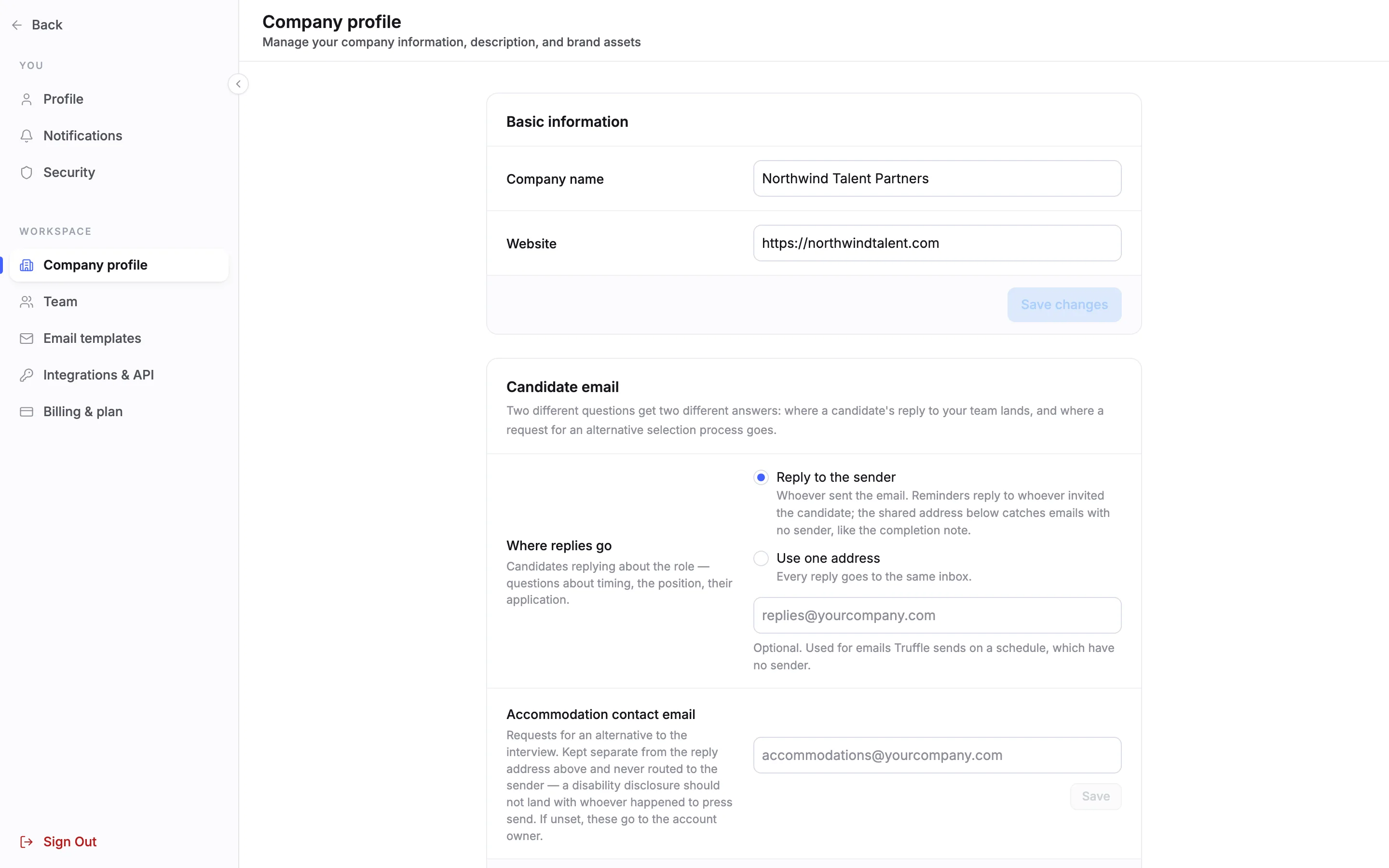
Choose your name at the bottom of the sidebar, then Settings. Under WORKSPACE, choose Company profile. The page has four sections: Basic information, Candidate email, Brand identity and Careers page.
2Set your company name and website
Under Basic information, edit Company name and Website, then choose Save changes. The button stays greyed out until you change something. Candidates see the company name on your job pages and your careers page.
Note. Industry, company size and hiring frequency, which you give at sign-up, are not on this page.
3Decide where candidate replies go
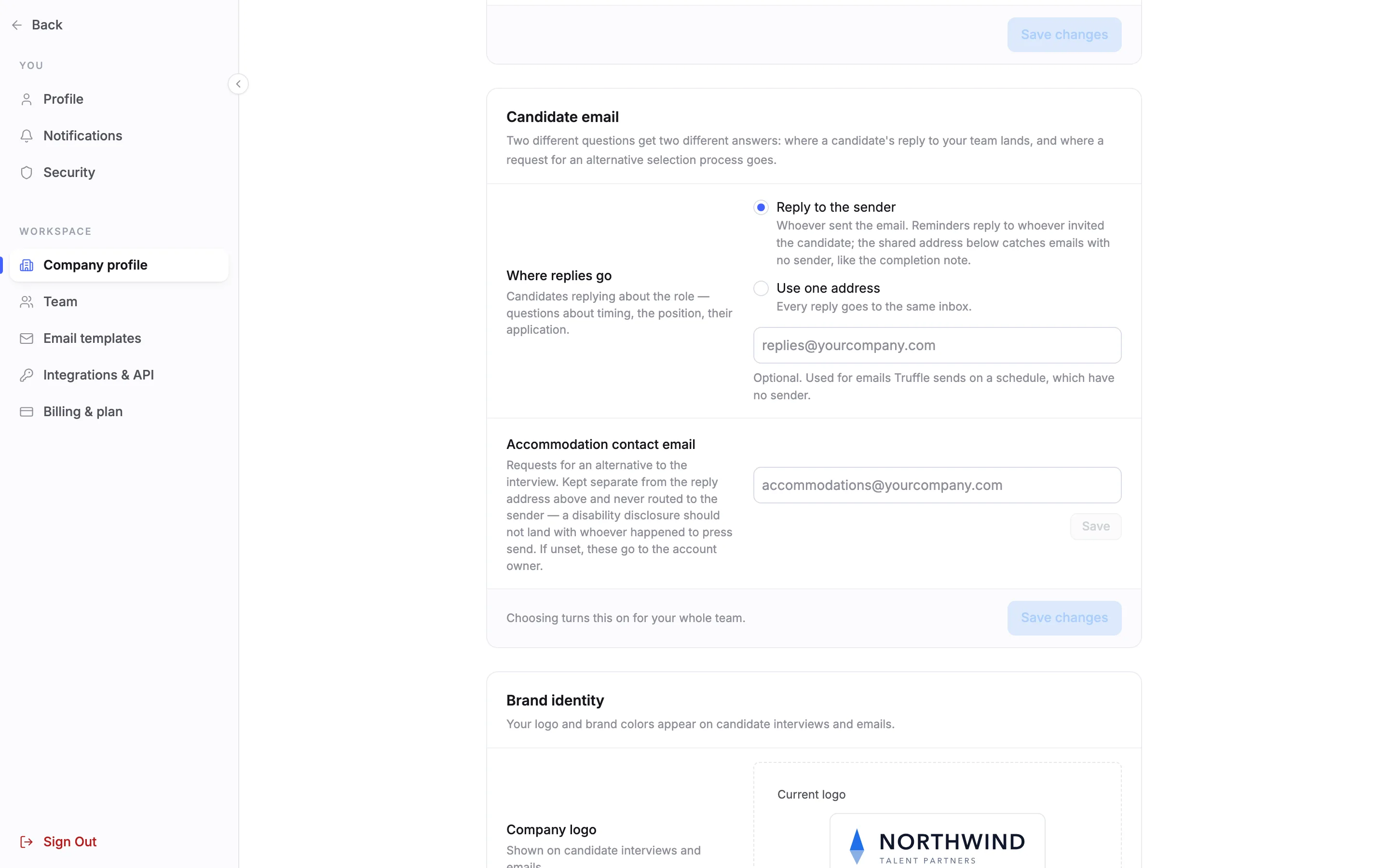
Candidate email answers two questions. Where replies go sets where a candidate's reply to your emails lands: Reply to the sender or Use one address. Accommodation contact email is where requests for an alternative to the interview go. If you leave it empty, they go to the account owner.
Note. This section is covered step by step in Customize candidate emails and Handle an alternative selection request.
4Add your logo
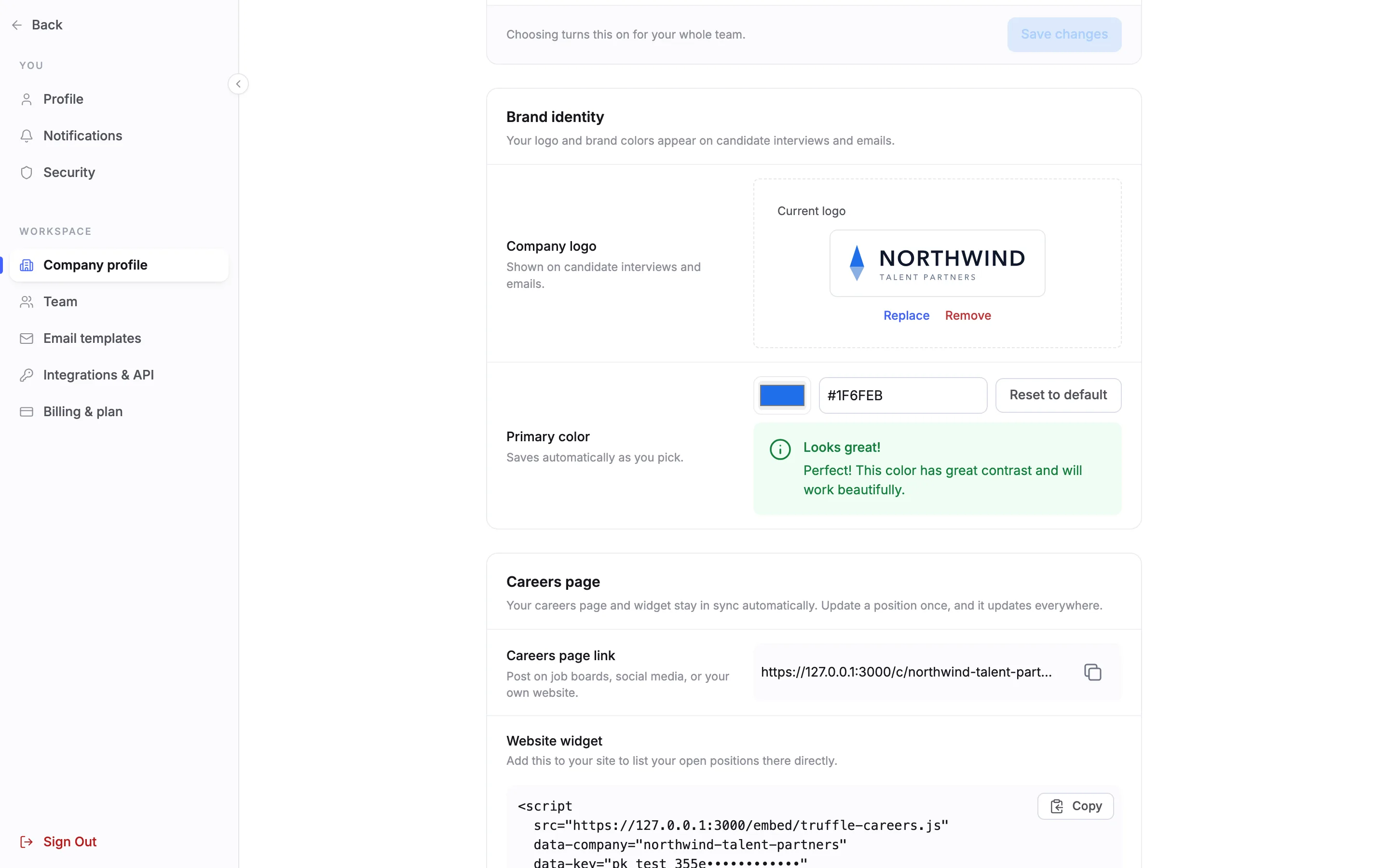
Under Brand identity, Company logo is shown on candidate interviews and emails. Once a logo is set, it appears under Current logo. Replace uploads a new file. Remove takes the logo off.
5Pick your primary color
Primary color takes a hex code, such as #1F6FEB, or a pick from the color swatch. It saves automatically as you pick, with no Save button. Truffle checks the contrast and says so, here Looks great! Reset to default goes back to Truffle's default color.
Note. Your logo and color are the default for every position. To use a different logo or color on one position, see Brand the candidate experience.
6See it on your job page
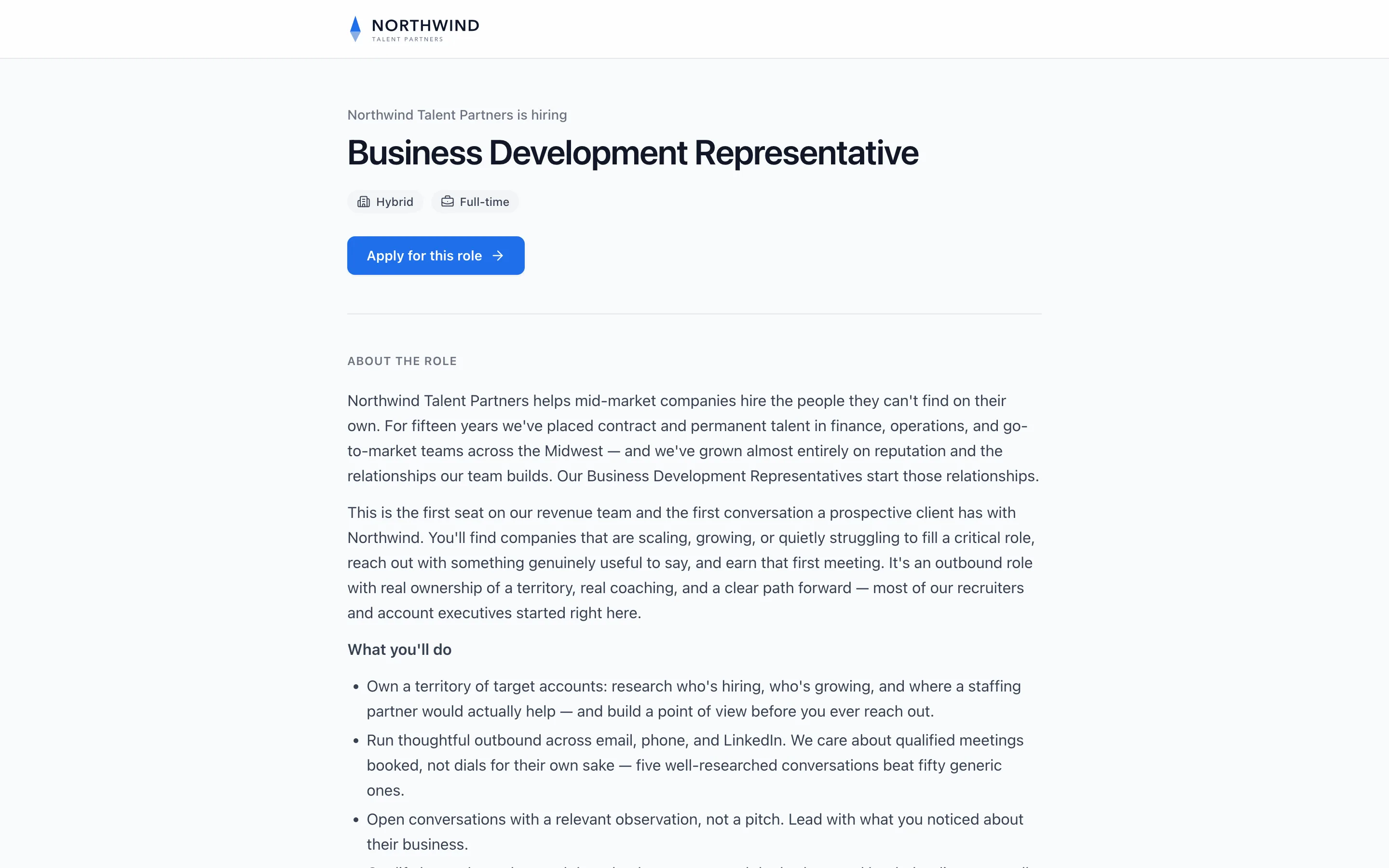
Open a position's job page to see your profile as a candidate does. Your logo sits at the top, the page says your company name followed by is hiring, and Apply for this role uses your primary color.
7See it on your careers page
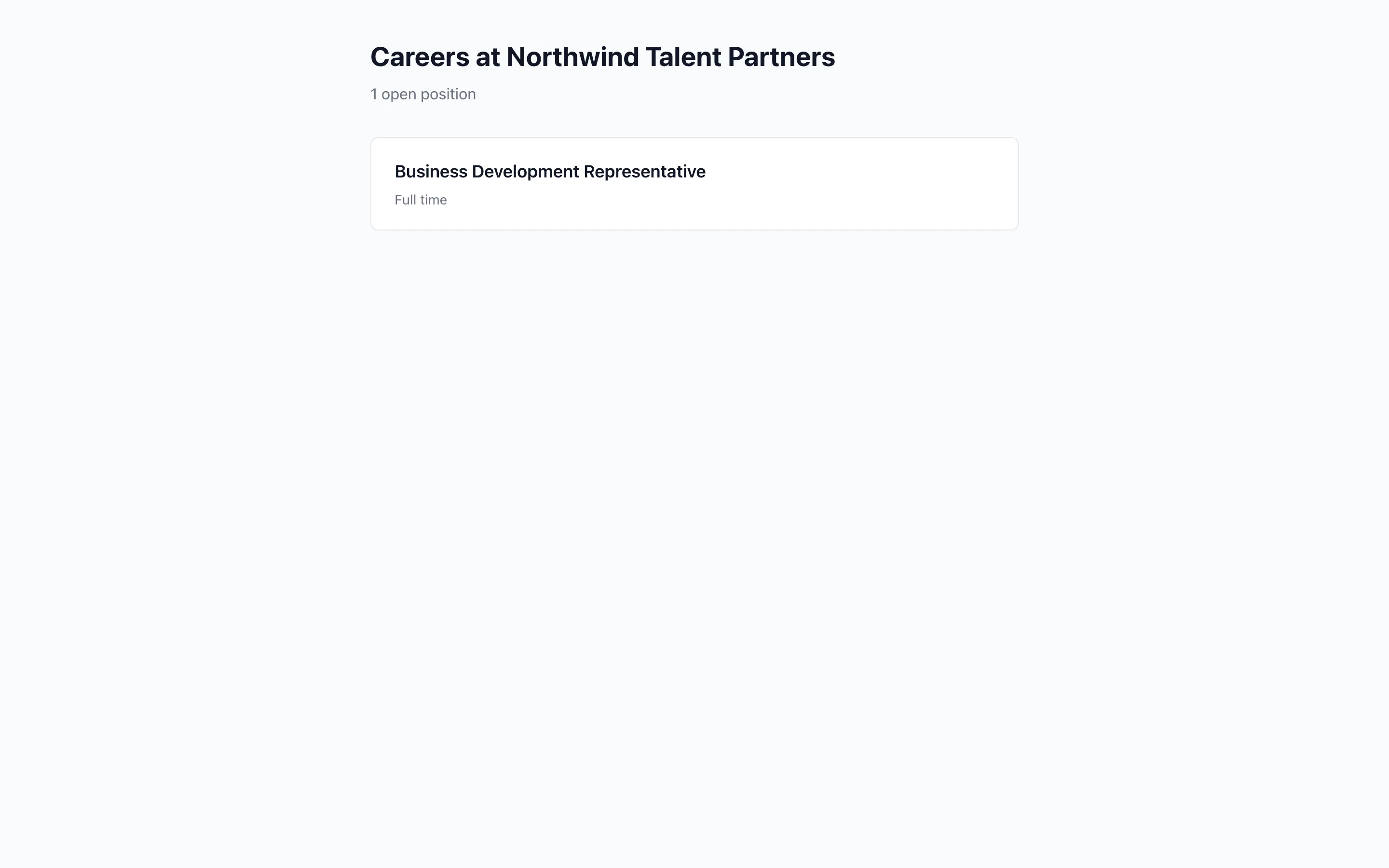
Your careers page is headed Careers at your company name, and lists your open positions that are listed publicly. The Careers page section at the bottom of Company profile has its link and the website widget.
Note. To share the careers page or add the widget to your site, see Add a careers page to your site.
Questions
Where do my logo and color show up?
On candidate interviews and emails, and on your job pages. Every position uses them by default.
Can one position use a different logo or color?
Yes. Change it under Candidate experience on that position. Your company logo and color stay the default for every other position.
Does the primary color need saving?
No. It saves automatically as you pick. The company name and website need Save changes.
What logo files can I use?
PNG, JPG or SVG, up to 2MB.
Where do I change my industry, company size or hiring frequency?
You give them at sign-up. They are not on the Company profile page.
Who can change the company profile?
Owners and admins. Company profile sits under Workspace in Settings.
Related
See something here that doesn't match what you see in Truffle? Tell us and we'll fix the page.