What is candidate screening software?
You have 300 applications and no way to tell which ones matter. This guide breaks down how candidate screening software works, what features to look for, and how to build a process that surfaces real candidates instead of noise.

AI summary
- Candidate screening software moves hiring's biggest bottleneck, resume review, into automation, using parsing, keyword matching, and scoring to surface qualified applicants faster and with less evaluator whiplash. It's the pre-interview gatekeeper that standardizes who gets seen and why.
- AI-assisted screening pushes this further by ranking candidates in minutes with match scores and explainable reasoning, replacing subjective reads with criteria-driven comparisons. The tradeoff is governance: you still need structured scorecards and outcome monitoring to keep bias in check.
- The strongest ROI comes from stitching screening into the whole workflow, short (5-10) pre-screen questionnaires, role-specific assessments, one-way video screens, and automated scheduling, so the funnel stays fast without degrading candidate experience. Tools matter most when they integrate cleanly with ATS/HRIS, email, and calendars to eliminate duplicate data entry and missed handoffs.
You posted a role on Monday. By Wednesday, you have 300 applications and no way to tell which ones are worth reading. Resumes look the same. AI-polished cover letters blur together. And your calendar is already full.
Candidate screening software, increasingly sold as AI candidate screening software, exists to solve this exact problem. It surfaces, organizes, and scores candidates against your criteria (skills, experience, assessment results) so you can stop reading every resume and start reviewing the people who actually match.
This guide covers what candidate screening software does, how the best tools work, and how to build a screening process that gives you real signal instead of more noise.
What is candidate screening software?
Candidate screening software is a category of tools that help you review and prioritize job applications before the interview stage. These tools analyze resumes, screening questions, and assessments against the criteria you define for the role.
They sit early in the hiring funnel, after applications come in but before live interviews begin. Some are built into applicant tracking systems (ATS). Others are standalone platforms that layer in signals beyond the resume, like one-way video interviews and talent assessments.
Core benefits
- Time savings: Automates resume parsing and pre-screening prioritization
- Consistency: Applies uniform criteria to all candidates
- Improved quality: Flags candidates who meet role-specific requirements
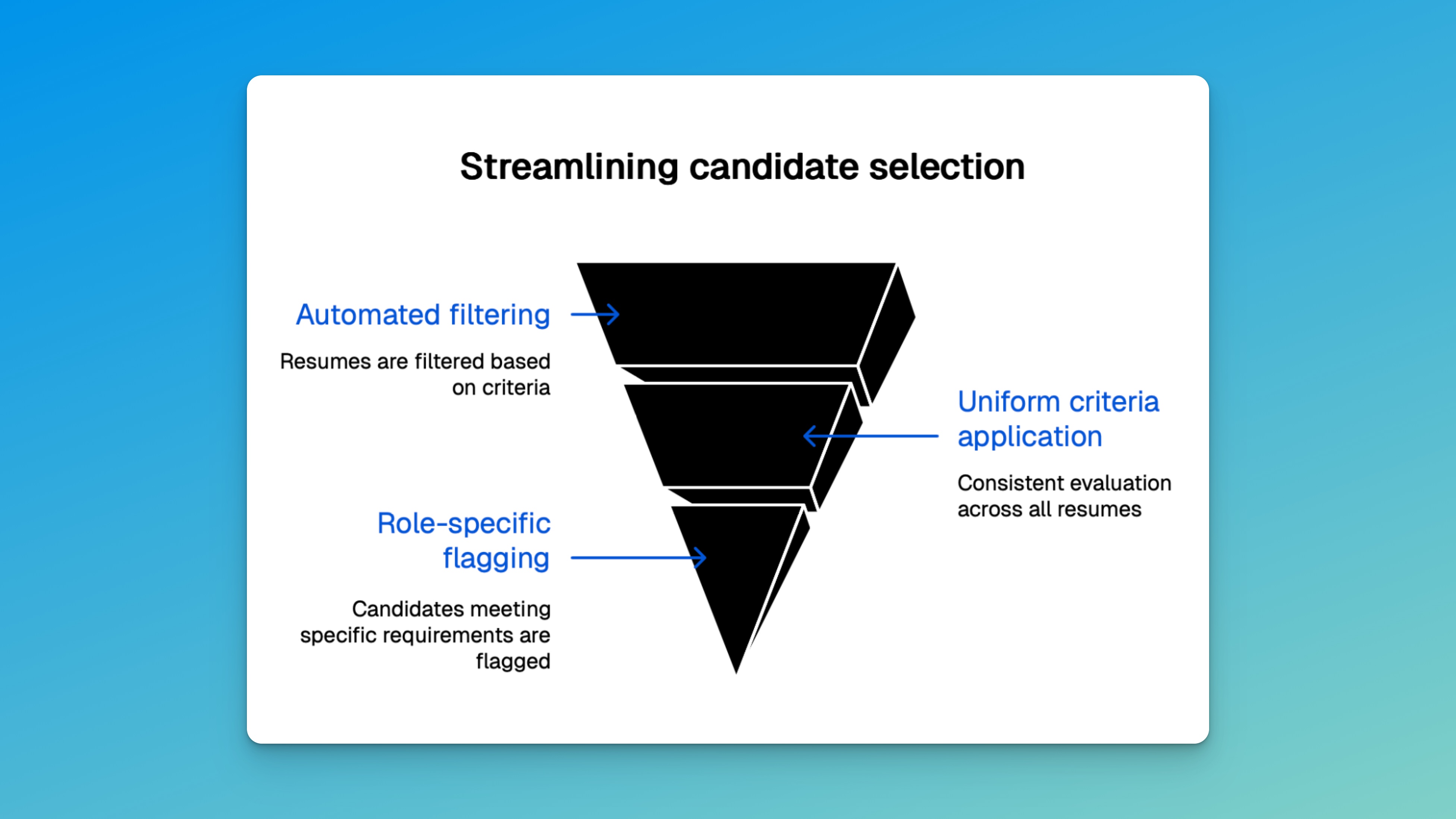
Essential features of candidate screening software that save time and improve consistency
Automated resume parsing and keyword matching
Resume parsing converts resumes into structured data, pulling out job titles, skills, education, and more. The software then compares this data against job descriptions using keyword matching. The global resume management software market is projected to reach USD 2.18 billion by 2033, up from USD 1.02 billion in 2024, growing at a compound annual growth rate (CAGR) of 9.2% over the forecast period.
Key elements parsed include:
- Contact details
- Work experience
- Education
- Technical and soft skills
- Certifications
This process helps highlight candidates who meet the role’s baseline qualifications.
Structured scoring systems
Structured scoring assigns consistent, numeric values to candidate attributes. Everyone is evaluated using the same framework, which helps create more consistent evaluations.
Typical scoring categories:
- Technical skills (weighted by role)
- Relevant experience (years, projects)
- Education (degrees, certifications)
- Communication (written or recorded answers)
Data-driven selection insights
Screening software often tracks key hiring metrics like time-to-hire or source effectiveness. These insights help recruiters identify what’s working and refine their strategies.
For example, if candidates from one job board consistently make it further in the process, the team can allocate more budget to that source.
How AI-assisted tools transform candidate screening
AI screening tools analyze resumes and questionnaire responses to surface candidates who most closely match your requirements. These systems detect patterns and rank candidates based on alignment with the criteria you set.
AI screening offers:
- Faster application review
- Match scoring with AI-generated reasoning
- Consistent, criteria-driven evaluations
| Traditional Screening | AI-Assisted Screening |
|---|---|
| Manual resume review | Automated matching |
| Reviewer-dependent criteria | Criteria-driven analysis |
| Hours or days per role | Minutes per role |
| Inconsistent criteria | Standardized evaluations |
Crafting effective pre-screen questionnaires
Question types by role
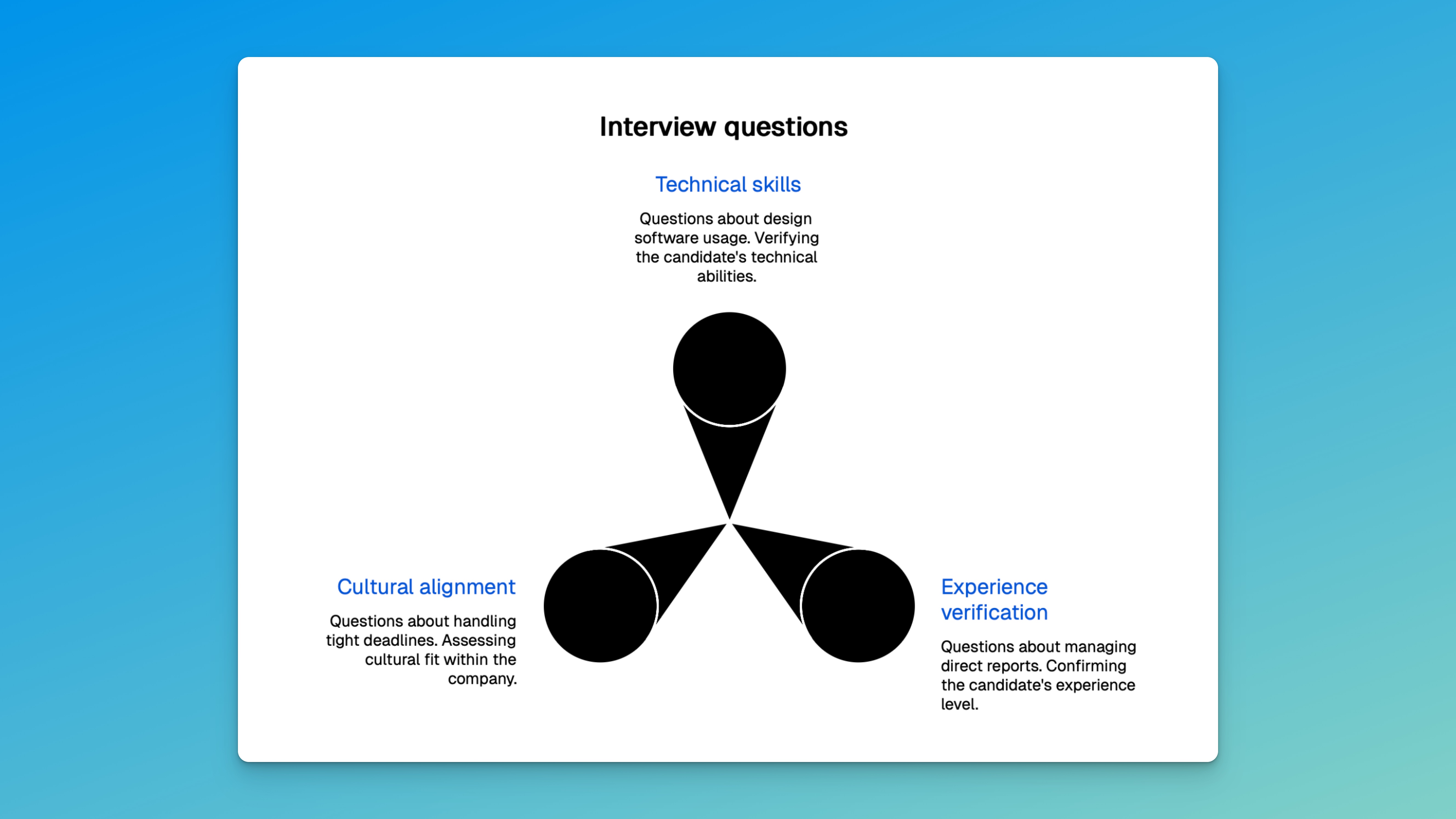
Different roles require different pre-screen questions. These usually fall into three categories:
- Technical skills: e.g., “Which design software have you used professionally?”
- Experience verification: e.g., “How many years have you managed direct reports?”
- Environment fit: e.g., “Describe how you handle tight deadlines.”
Timing and length
The best pre-screen forms are short and appear right after the resume is submitted. Aim for 5–10 questions.
Best practices:
- Keep to one screen or page
- Mix multiple-choice and short-form answers
- Place after the resume upload step
- Skip irrelevant personal questions
Role-specific assessments for targeted hiring
Screening methods should align with the role. Technical positions may require coding tests; customer-facing roles may need communication assessments; creative roles might benefit from portfolio reviews.
Technical roles
Use assessments like:
- Online coding challenges
- System design tasks
- Technical quizzes
- Logic-based problems
These test not only knowledge but also problem-solving and collaboration under pressure.
Customer-facing roles
Assessments often include:
- Video responses to mock customer questions
- Written scenarios
- Live role-play exercises
- Situational judgment questions
These help measure clarity, empathy, and professionalism.
Building a fair evaluation process with scorecards
Scorecards help structure your evaluations. Each candidate is rated on the same attributes, with weighted scores reflecting the importance of each.
This approach removes guesswork and creates a more consistent, documented evaluation process.
| Criteria | Weight | Rating (1–5) | Weighted Score |
|---|---|---|---|
| Technical skills | 30% | ||
| Experience | 25% | ||
| Environment fit | 25% | ||
| Communication | 20% |
Interview scheduling and team collaboration tools
One-way interviews
One-way video interview software lets candidates record answers to preset questions on their own time. Instead of scheduling live calls, you review responses when it fits your schedule. This replaces the repetitive “tell me about yourself” calls that eat 10+ hours per week on high-volume roles.
These interviews:
- Standardize the candidate experience
- Replace repetitive phone screens
- Help assess communication and professionalism
- Save time for both recruiters and candidates
Automated scheduling
Screening platforms often integrate with calendars to allow candidates to book interview slots automatically. These tools:
- Show only available times
- Eliminate back-and-forth emails
- Send reminders and confirmations
- Reschedule with real-time updates
Team feedback workflows
Most tools include a shared dashboard where interviewers can submit scorecards or notes. This helps keep evaluations organized and makes decision-making more transparent.
Best practices:
- Use shared templates
- Submit feedback immediately after interviews
- Keep comments role-related
- Review all notes before moving candidates forward
Ensuring a positive candidate experience
Set clear expectations
Let candidates know what to expect. Share timelines for application review, interviews, and final decisions. This reduces uncertainty and improves trust.
You can include this info in:
- Job postings
- Confirmation emails
- Follow-up messages
Communicate regularly
Keep candidates informed at every stage. Use automated emails for common touchpoints, like application received, interview scheduled, or status updates. Personalized messages work well for offers or rejections.
Integrations with ATS and recruitment software
Candidate screening software works best when integrated into your larger hiring tech stack.
Key integrations:
- ATS: Keeps all candidate info in one place
- HRIS: Syncs new hire data
- Email tools: Automates communication
- Calendars: Improves interview scheduling
Look for tools that support real-time syncing and reduce manual data entry.
Making the most of your screening investment
The real ROI of screening software isn’t just speed. It’s consistency. When every candidate is measured against the same criteria, you stop making decisions based on which resumes you happened to read when you were most alert.
To get the most from your tool, start with your biggest bottleneck. If you’re spending hours on resume review, automate the initial parse and scoring. If phone screens are eating your week, replace them with one-way video interviews. If you’re getting burned by candidates who look great on paper but can’t do the job, add assessments.
The best screening setups layer multiple signals (resumes, interviews, assessments) so you’re not making decisions on any single data point. That’s where the evidence compounds.
How Truffle brings screening into one workflow
Most AI candidate screening software handles one step. A resume parser here, an assessment platform there, a video tool somewhere else. You end up toggling between tabs, copying notes, and losing context.
Truffle is an AI screening platform that combines resume screening, one-way video interviews, and talent assessments in one place. You design the screening process that fits the role. Resumes and assessments. Interviews and assessments. All three. Truffle doesn’t force a sequence.
AI transcribes, analyzes, and scores every response against your criteria. It surfaces match scores, summaries, and 30-second Candidate Shorts so you can go from hundreds of applicants to a shortlist in minutes instead of hours. The AI isn’t making the call. It’s giving you the evidence to make faster, more confident decisions.
For teams that want structured screening without stitching together three different tools, it’s worth a look. Start a free trial (no credit card required).
FAQs about candidate screening software
What’s the difference between an ATS and screening software? An ATS manages the full hiring process. Screening software focuses on evaluating candidates to identify those worth interviewing.
How much time can it save? Teams typically save hours every week on manual resume reviews, depending on volume.
How do I reduce inconsistency in screening? Use structured scoring so every candidate is measured against the same criteria. Monitor outcomes across demographic groups. Balance automation with human review, because AI should surface information, not make final decisions.
What’s the ROI? Most companies see faster time-to-hire and report finding candidates who better match their role requirements.
How should I choose a candidate screening tool? Small teams need ease of use and affordability. Larger companies should prioritize scalability, integrations, and compliance.