The 25 best video interview software for recruiting teams in 2026
You don’t need another tool that “looks modern” and still leaves you buried in resumes and phone screens. You need video interview software that actually shortens time-to-shortlist and keeps your process consistent. This guide is built for buyers like you.


AI summary
- Async first, live second. If phone screens are your bottleneck, and for most teams, they are, async video interviews replace scheduling chaos with structured recordings your team reviews in batches. Save live interviews for candidates who've already earned a real conversation.
- "We integrate with your ATS" can mean real-time sync or a pasted link. Before you sign, validate what you need. Sometimes it's less complicated than you think.
- AI should help you review faster, not decide for you. Look for transcription, summaries, and match scores with reasoning you can evaluate yourself. Avoid black-box scoring. The best setup: AI surfaces signal, you watch the videos, you make every call.
A side-by-side look at how Truffle approaches one-way interviews compared to Spark Hire and HireVue.
I spent a frankly unreasonable amount of time digging through video interview tools for this guide. Some are genuinely helpful. Some are just video inboxes with nicer branding. And some somehow manage to make screening slower, not faster.
So this list focuses on the tools that actually help hiring teams move from applicants to shortlist faster, including the AI candidate screening software that now bundles video with resume and assessment scoring.
Whether you’re a TA leader trying to cut down on endless phone screens, a founder hiring without a full recruiting team, or an HR generalist who accidentally left Easy Apply on for a role and woke up to 437 applicants, the right video interviewing software can save you a lot of time.
A quick note before we start: Truffle is our product, so we’ve put it first. We’ve also called out where it’s strongest, and where another tool may be a better fit.
How we evaluate and test recruiting software
Our reviews are written by recruiters and TA professionals who have spent years using, testing, and buying hiring tools. We evaluate every product against the same criteria: what it actually does, what it costs, how fast you can get value from it, and whether it solves the screening problems in-house teams face every day. Truffle is our product, and we are upfront about that. But we do not inflate competitor weaknesses or hide our own limitations. If a tool does something better, we say so. We think recruiters deserve honest comparisons, not marketing disguised as editorial.
What is video interviewing software?
Video interviewing software helps hiring teams interview candidates over video instead of relying only on phone calls or in-person meetings.
There are three main formats:
- One-way (asynchronous) video interviews: Candidates record answers to pre-set questions on their own schedule
- Live video interviews: Recruiters and candidates meet in real time over video
- Hybrid platforms: Tools that support both async and live interviewing in the same product
In practice, most teams use async interviews for screening and live interviews for deeper conversations later in the process.
Use this quiz to see what video interview software to choose
What makes the best video interview software?
Not every video interview software solves the same problem. Some are built for global enterprises with compliance requirements and complicated workflows. Others are better for small teams that just need to stop spending half the week on phone screens.
When evaluating tools for this list, these were the criteria that mattered most:
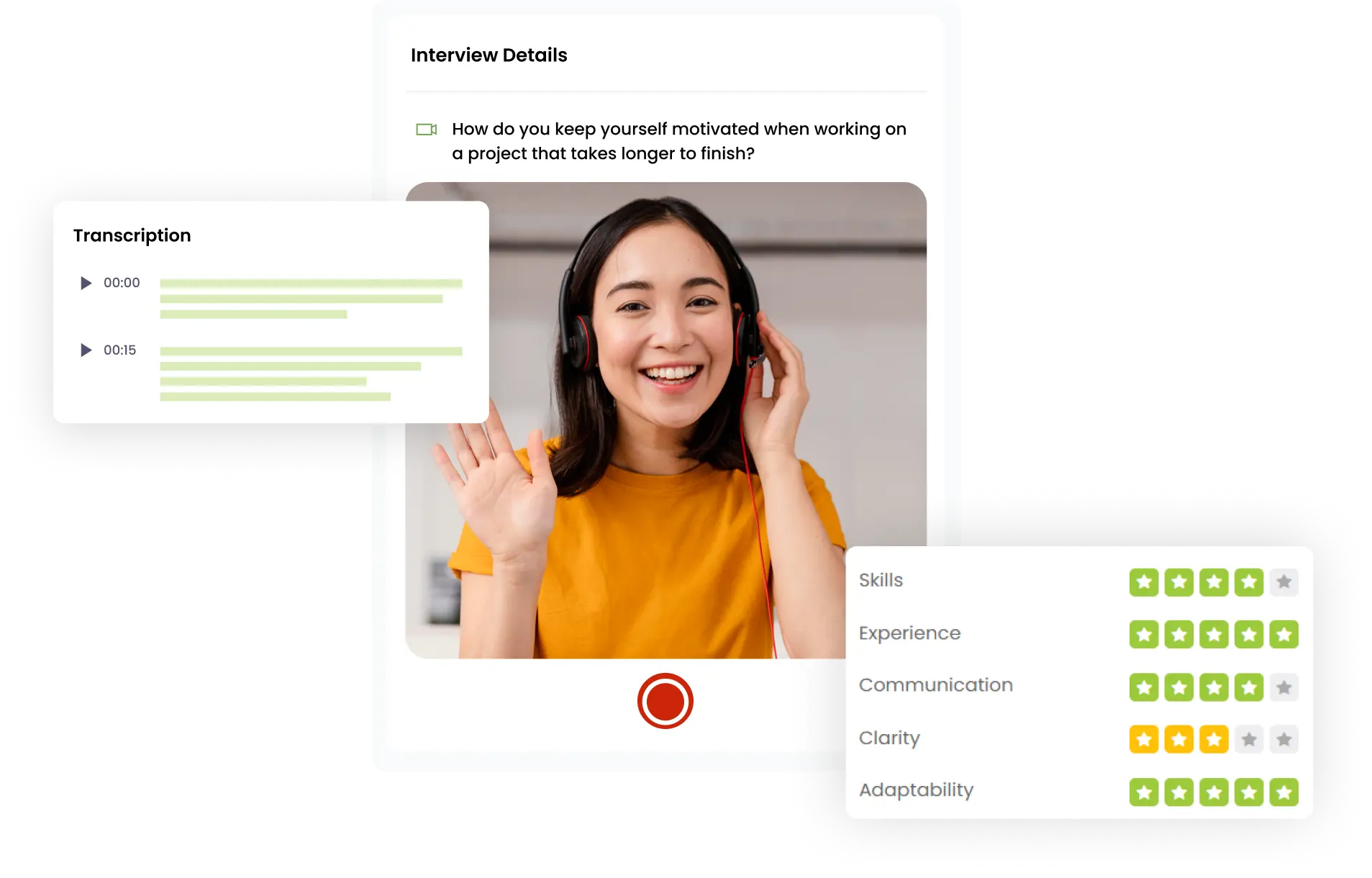
- Structured evaluation: The best platforms make it easier to compare candidates fairly with built-in scorecards, rubrics, and repeatable workflows
- AI that reduces review time: Transcripts, summaries, match scoring, highlights, and ranking matter more than generic “AI-powered” branding
- Integrations that actually work: “We integrate with your ATS” can mean anything from real writeback to a pasted link, so workflow depth matters
- Candidate experience: Mobile-first, browser-based, no download required, clear instructions, and reasonable time limits all affect completion rates
- Setup speed: Some tools can be live in minutes. Others need implementation, training, and stakeholder alignment
- Pricing transparency: Hidden fees, gated features, and hard-to-find contract terms make comparison harder than it should be
Best video interview software at a glance
If you want the short version, start here.
- Truffle: Best for teams that want one-way video interviews plus the ability to add resume screening and assessments in one workflow if they want
- HireVue: Best for large enterprises needing deep assessments and global governance
- Spark Hire: Best for mid-market teams that want one-way and live interviews in one platform
- Willo: Best for multilingual hiring teams that need async interviews across regions
- Hireflix: Best for small teams that want simplicity over advanced features
- VidCruiter: Best for organizations that need compliance, structure, and customization
- Jobma: Best for global hiring teams that need multilingual video support
Video interview platform comparison table
Here’s a quick comparison of the tools most buyers narrow down first.
| Platform | Interview type | AI evaluation | Pricing | Best for |
|---|---|---|---|---|
| Truffle | Async | Yes, explainable scoring | Public / self-serve | Teams that want one-way interviews plus resume screening and assessments |
| HireVue | Both | Yes | Sales-led | Large enterprises |
| Spark Hire | Both | Limited | Sales-led | Mid-market teams |
| Willo | Async | Light | Free start / demo-led | Multilingual, high-volume screening |
| Hireflix | Async | No deep AI | Free trial | Small teams that want simplicity |
| VidCruiter | Both | Yes | Sales-led | Compliance-heavy organizations |
| Jobma | Both | Yes | Sales-led | Global hiring |
| myInterview | Async + scheduling | Yes | Sales-led | Mid-sized hiring teams |
| Criteria | Both | Yes | Sales-led | Assessment-led hiring |
| Talview | Both | Yes | Sales-led | Enterprise and fraud-sensitive workflows |
| interviewstream | Both | Yes | Sales-led | Teams that want video + scheduling |
| Harver | Async | Limited | Sales-led | Volume hiring |
| WedgeHR | Async | Light | Free trial / demo-led | Recruiters who want simple one-way video |
| HRBlade | Both | Yes | Public pricing | SMBs that want video + assessments |
| OneWayInterview | Async | Yes | Pay-as-you-go | Small businesses |
| Hirevire | Async | Limited | Public pricing | Startups and agencies |
| Interviewer.AI | Async | Yes | Sales-led | AI-first screening |
| ScreeningHive | Async | Light | Free plan | Budget-conscious teams |
| TestGorilla | AI video | Yes | Public pricing | Skills-first hiring |
| Testlify | Both | Yes | Public pricing | Assessment + interview workflows |
| Xobin | Async / AI-led | Yes | View pricing | Assessment-heavy hiring |
| TestTrick | Async | Yes | Sales-led | Video + psychometrics + anti-cheating |
| iMocha | Async | Limited | Sales-led | Technical and skills screening |
| CodeSignal | AI-led / live tech | Yes | Sales-led | Structured technical interviewing |
| HackerRank | Live tech | Limited | Sales-led | Engineering interviews |
Truffle
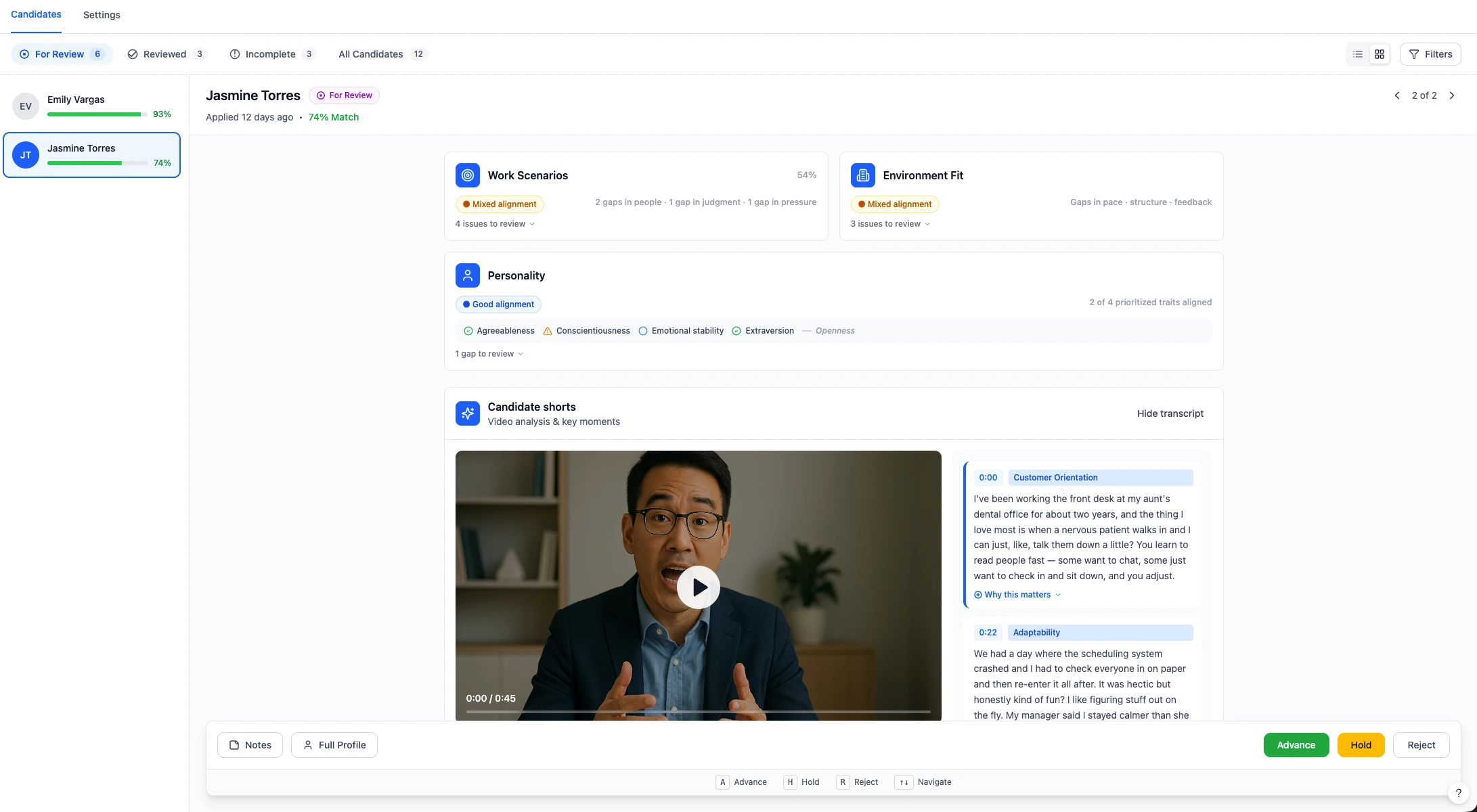
**What it does **Candidate screening software that combines resume screening, one-way video interviews, and talent assessments in one workflow. AI scores, summarizes, and ranks every candidate against your criteria. You get match scores, transcripts, 30-second Candidate Shorts, and a structured review workflow so your team can go from hundreds of applicants to a shortlist in minutes.
Best for: Lean recruiting teams that want to screen every candidate without adding enterprise complexity.
Why it stands out: You design the screening process. Resumes, interviews, assessments, or any combination. Each layer adds a signal that’s harder to game than the last. Rubric-based scoring and rapid review workflows are built for shortlisting, not just collecting videos.
Watch out for: No native live interviewing. Truffle is a screening platform, not an end-to-end interview suite. It fits best when getting from hundreds of applicants to a shortlist is the bottleneck.
HireVue
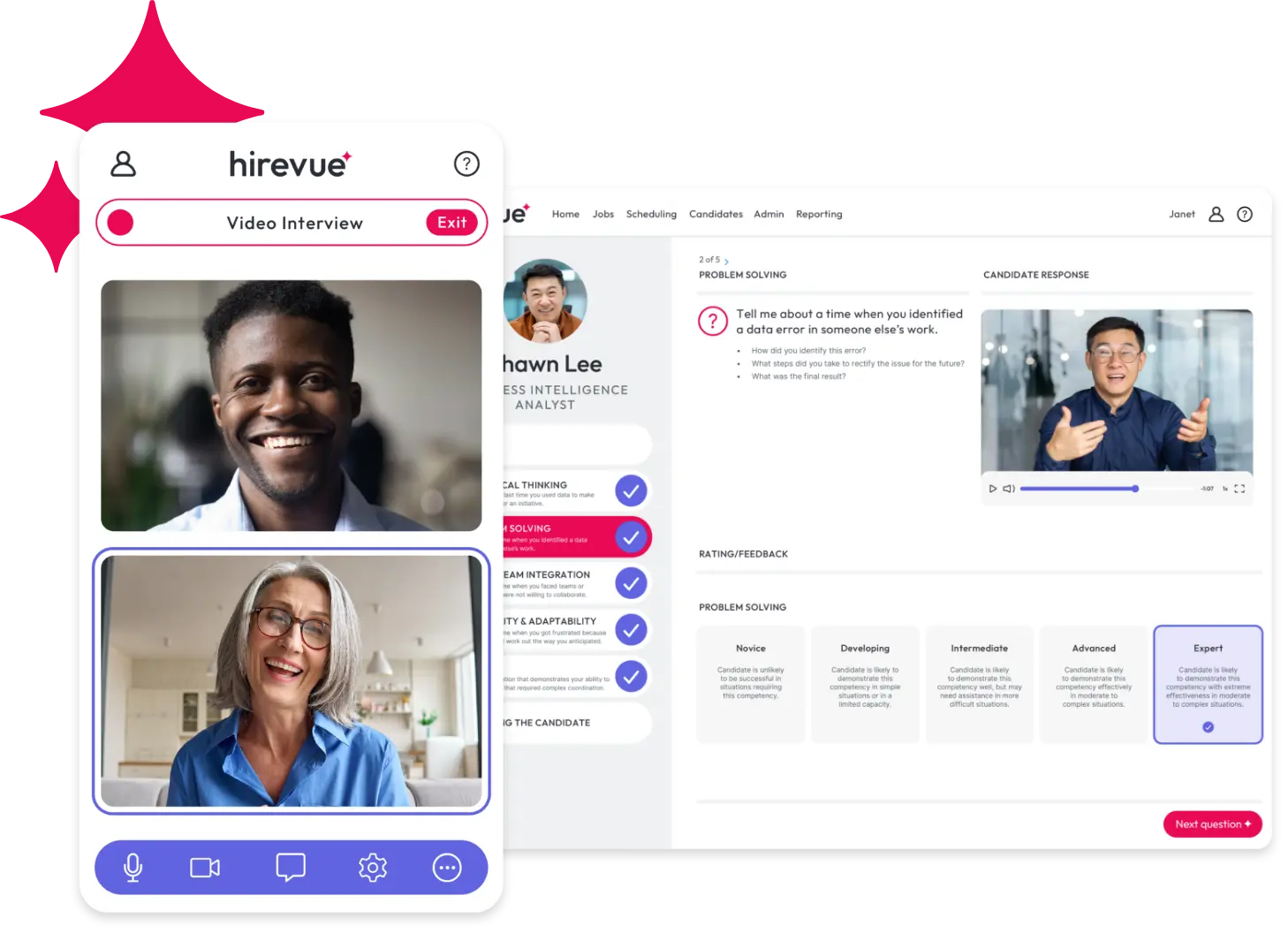
What it does A broad enterprise hiring platform covering on-demand and live video interviews, scheduling, talent assessment, and structured evaluation.
Best for Large organizations running high-volume, multi-region, or highly standardized hiring programs.
Why it stands out Deep workflow control and platform breadth make it a strong fit for enterprise hiring operations.
Watch out for It is heavier, more process-driven, and usually more expensive than most SMB teams need.
Spark Hire
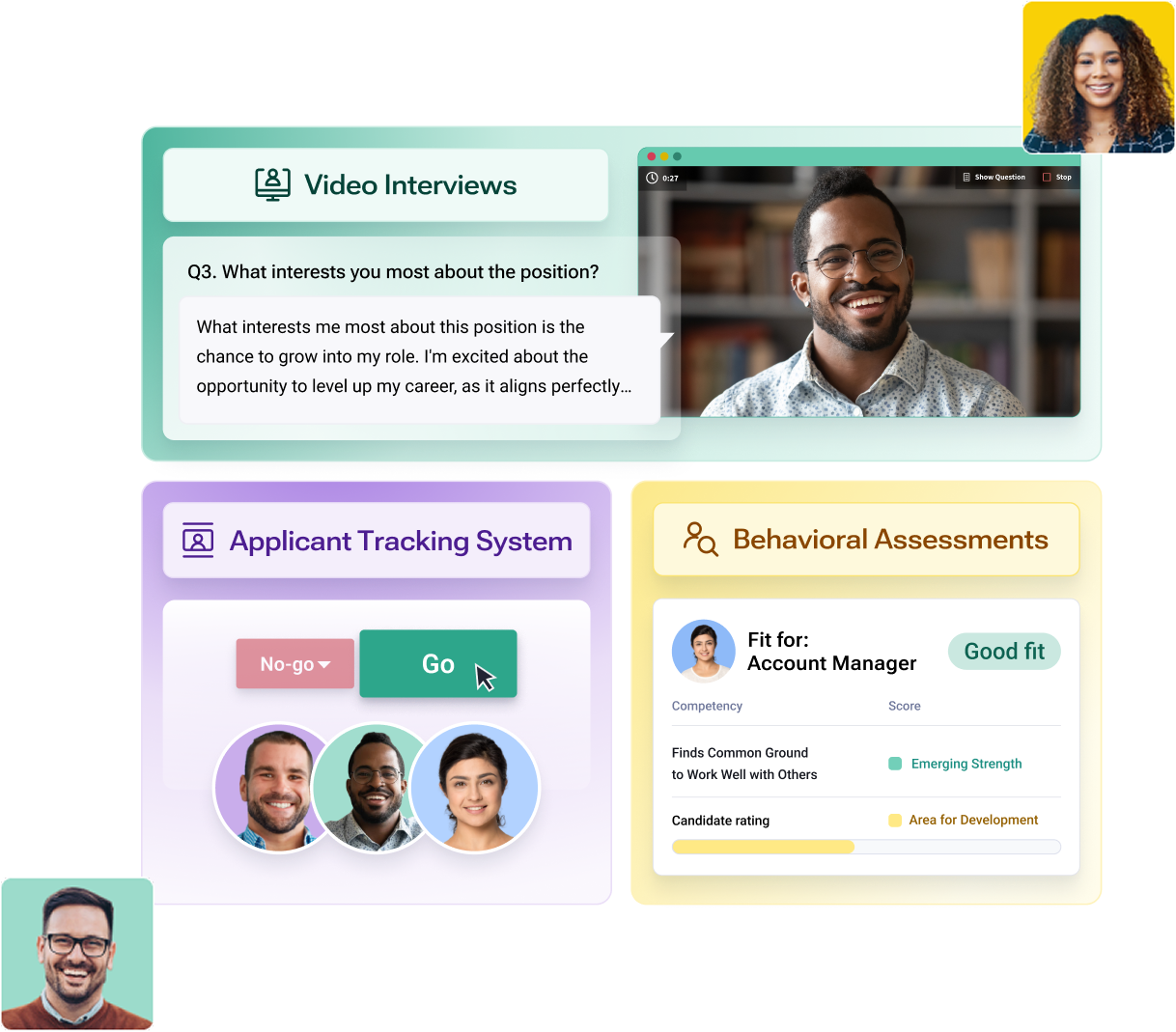
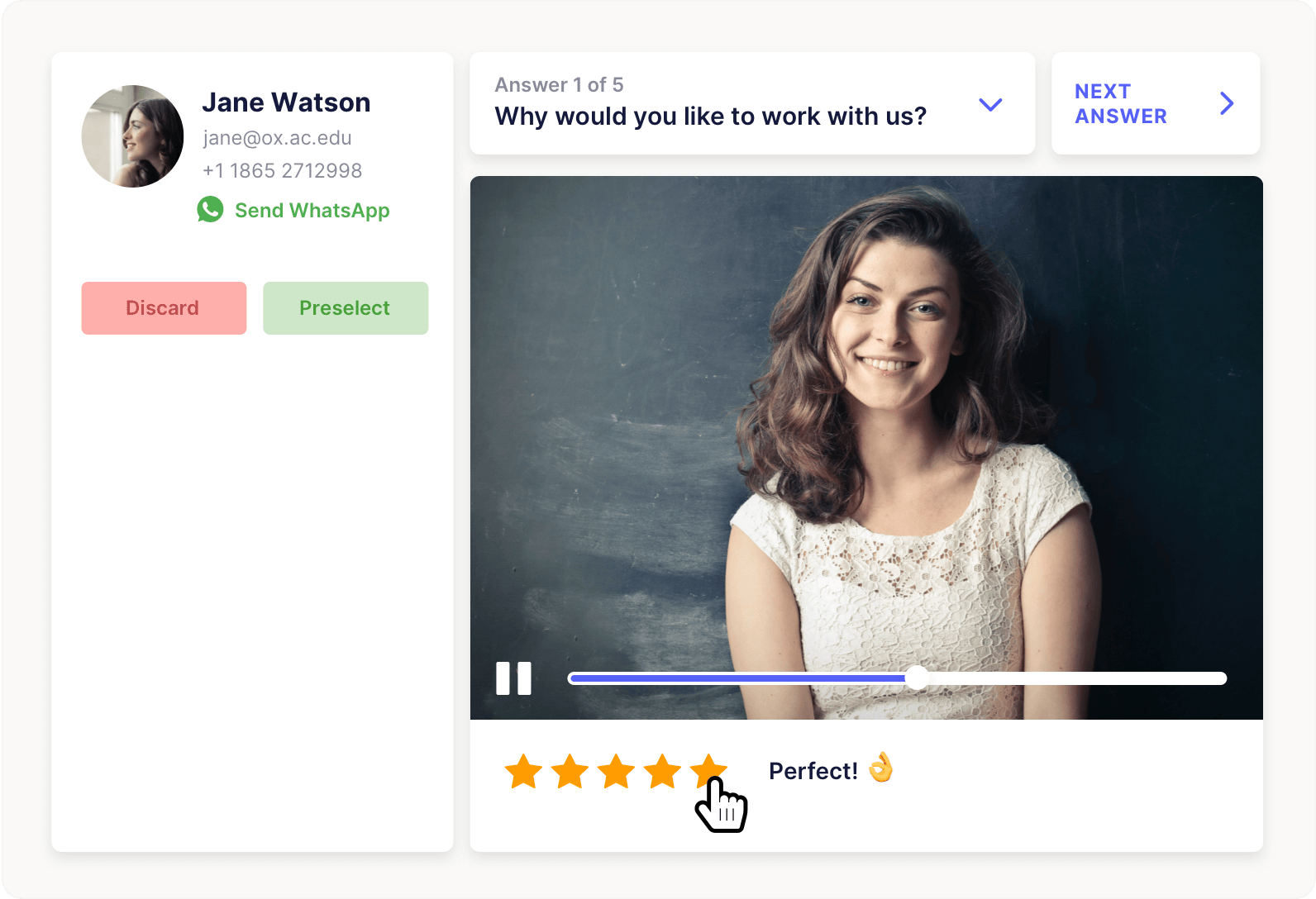
What it does Supports both one-way and live video interviews inside one hiring platform.
Best for Mid-market teams that want both interview formats in one product.
Why it stands out It is a practical middle-ground choice for teams that do not want separate tools for async and live interviews.
Watch out for Its AI review depth is lighter than newer screening-first platforms.
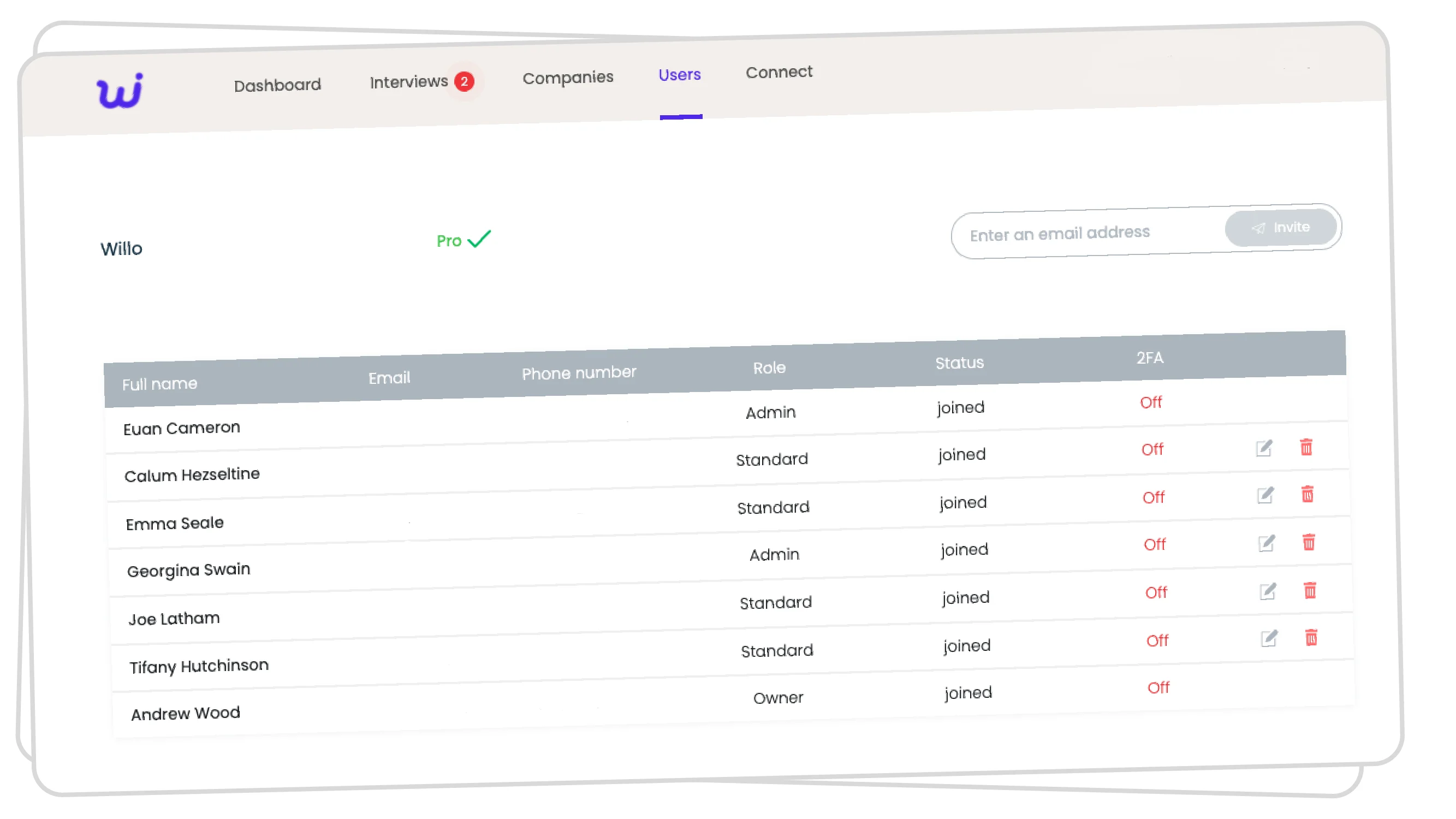
Willo
What it does A video interviewing platform built around one-way screening, candidate experience, and quick rollout.
Best for High-volume hiring teams in retail, hospitality, operations, and other screening-heavy environments.
Why it stands out It is easy to adopt, candidate-friendly, and well suited to replacing first-round phone screens.
Watch out for It is stronger on screening workflow than on deep AI evaluation or late-stage interview management.
Hireflix
What it does A focused one-way video interview tool designed around simplicity and speed.
Best for Small teams that want prerecorded interviews without a lot of platform overhead.
Why it stands out It is one of the clearest pure-play async products in the category and keeps pricing and setup relatively straightforward.
Watch out for It is not the best fit if you also want live interviews or deeper AI-assisted ranking.
VidCruiter
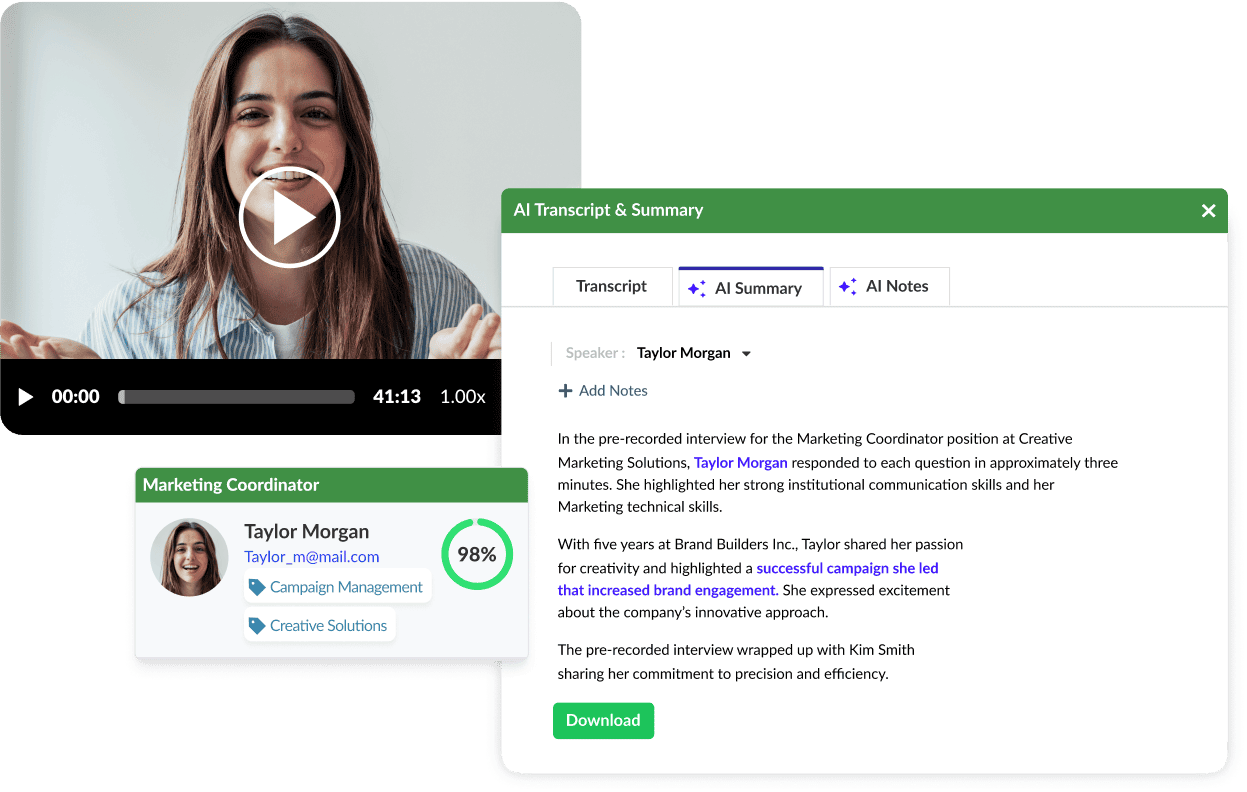
What it does Offers prerecorded and live video interviews, scheduling, structured interviews, AI notes, and broader hiring workflow support.
Best for Organizations that care about process control, compliance, and structured hiring.
Why it stands out It goes beyond basic video interviewing into full interview management. See the VidCruiter vs Spark Hire comparison if you’re weighing both.
Watch out for It is better for formal hiring programs than fast, lightweight self-serve use.
Jobma
What it does Combines video interviews, assessments, and AI-led hiring workflows in one platform.
Best for Global teams that want one-way and live interviews with broader AI and assessment coverage.
Why it stands out Its positioning is broader than basic video interviewing and better suited to teams wanting more workflow support.
Watch out for It can feel less streamlined if all you want is a simple async interview tool.
myInterview (Radancy)
What it does Now sits inside Radancy’s screening and scheduling stack, combining video interviewing with AI-led screening and workflow support.
Best for Mid-sized teams that want screening and scheduling in one motion.
Why it stands out It is useful for buyers who want more than standalone video interviewing but less than a giant enterprise suite.
Watch out for It is no longer as easy to evaluate as a pure standalone product because it lives inside the broader Radancy platform.
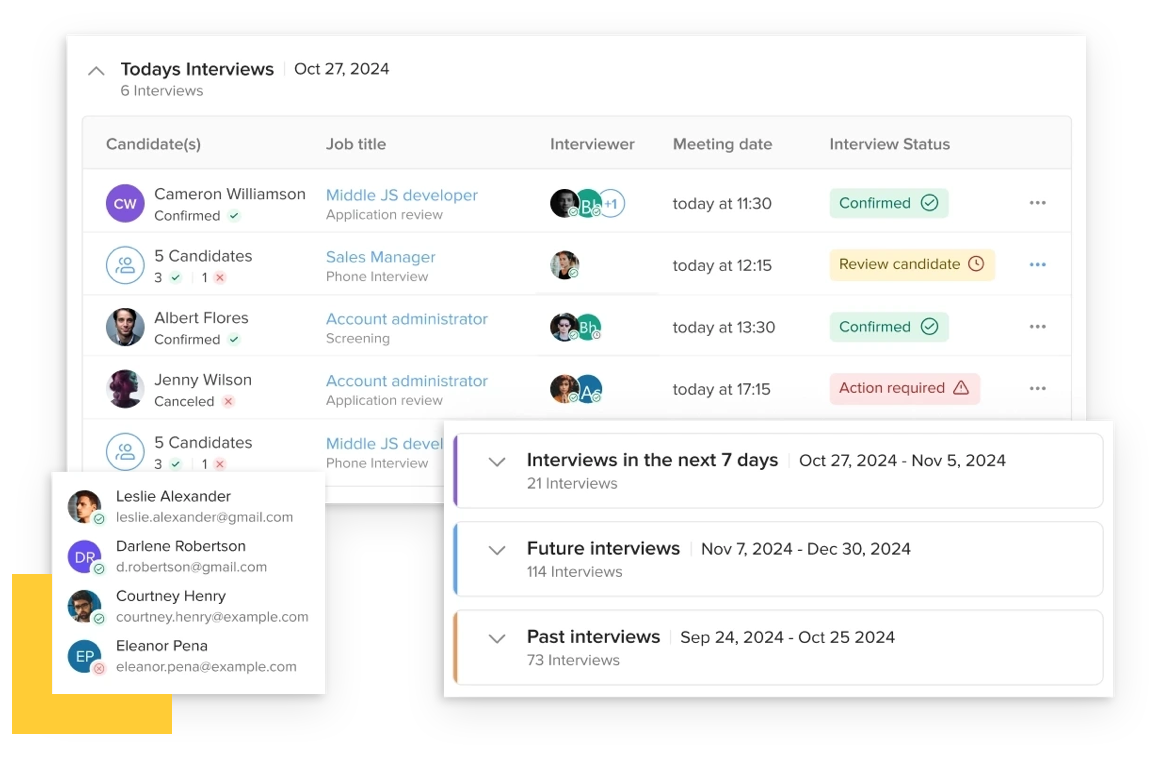
CodeSignal
What it does Its AI Interviewer runs structured interviews and produces transcript-based skill reports with rationale.
Best for Teams doing skill-heavy or technical screening.
Why it stands out It frames AI as structured decision support rather than just automated recording.
Watch out for It is strongest in skill-led hiring rather than broad general recruiting.
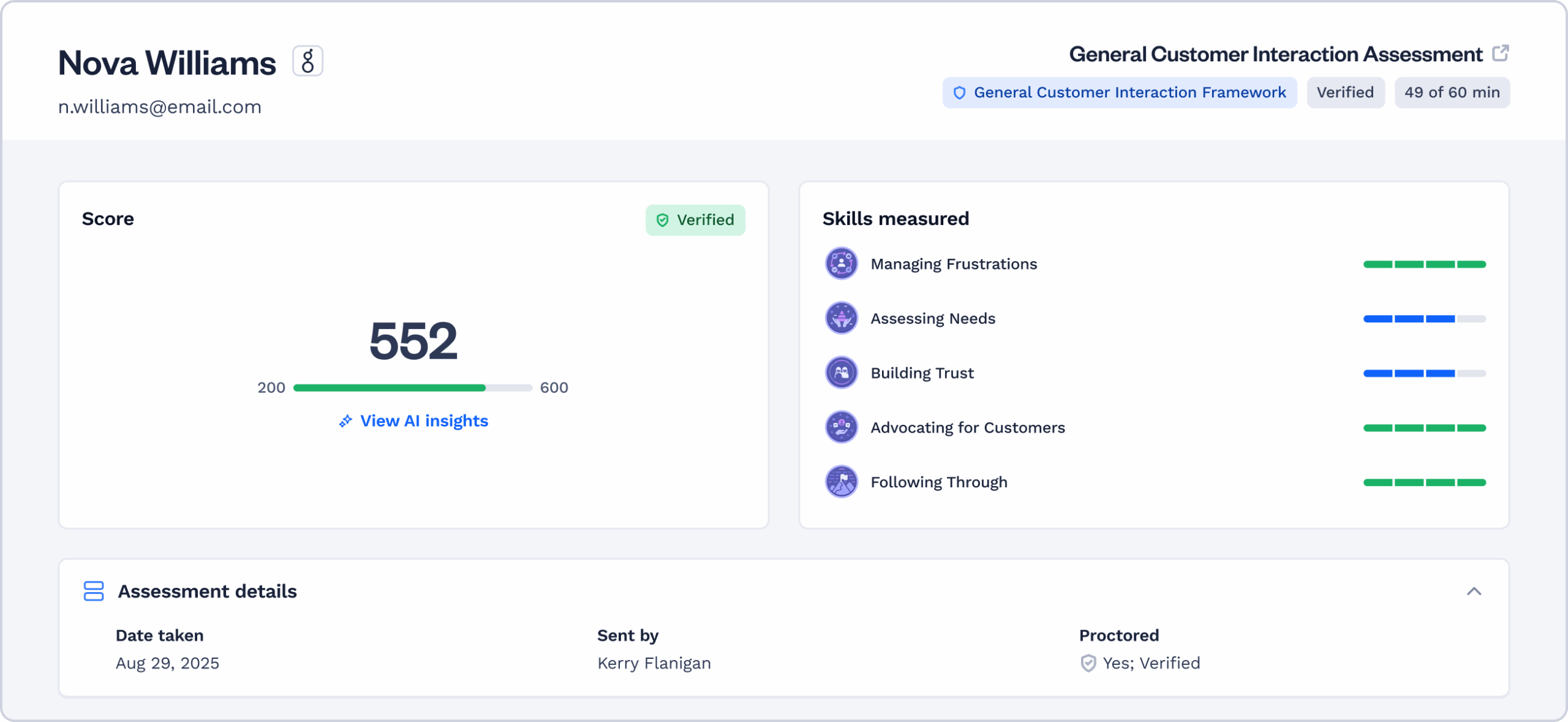
Talview
What it does Supports on-demand and live interviews with identity verification, proctoring, and fraud detection.
Best for Enterprise or high-stakes hiring workflows where security matters.
Why it stands out It is one of the stronger options for fraud-sensitive and regulated interview environments.
Watch out for It is overbuilt for teams that just want a straightforward async screen.
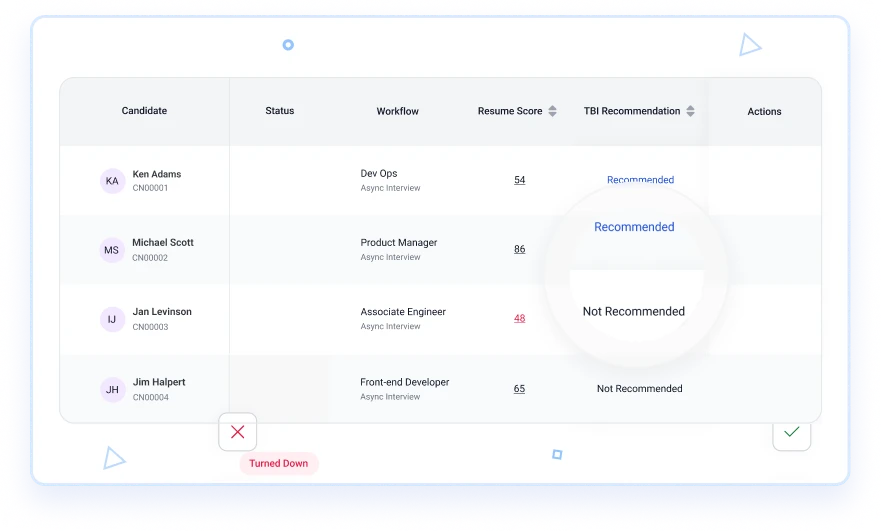
Harver
What it does Harver Interview is designed to replace phone screens with on-demand video inside a broader volume hiring workflow.
Best for Large-scale or frontline hiring teams.
Why it stands out It is tightly aligned to volume hiring, which makes it useful where recruiter time disappears into repetitive early-stage calls.
Watch out for It is less compelling for low-volume or highly specialized hiring.
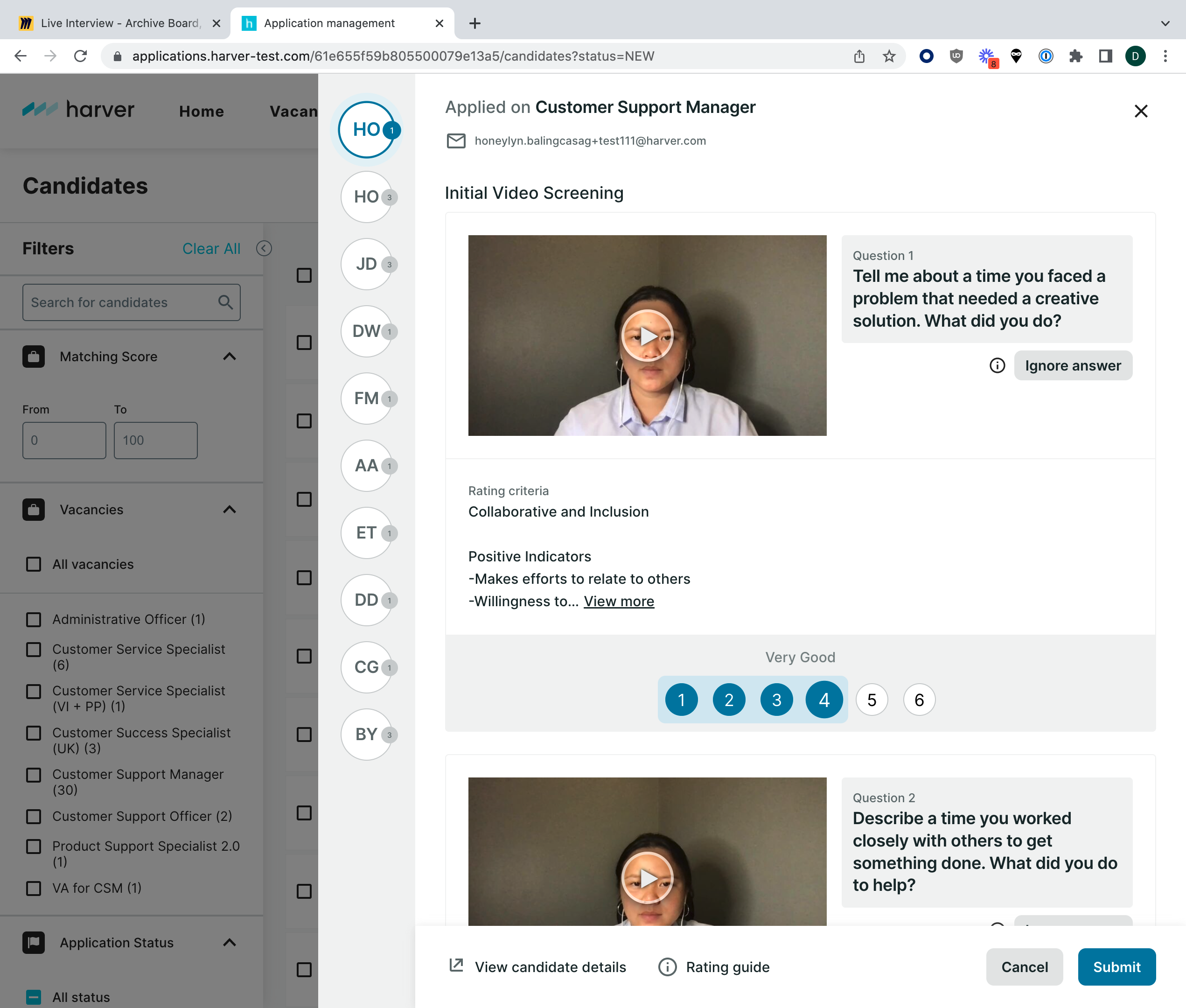
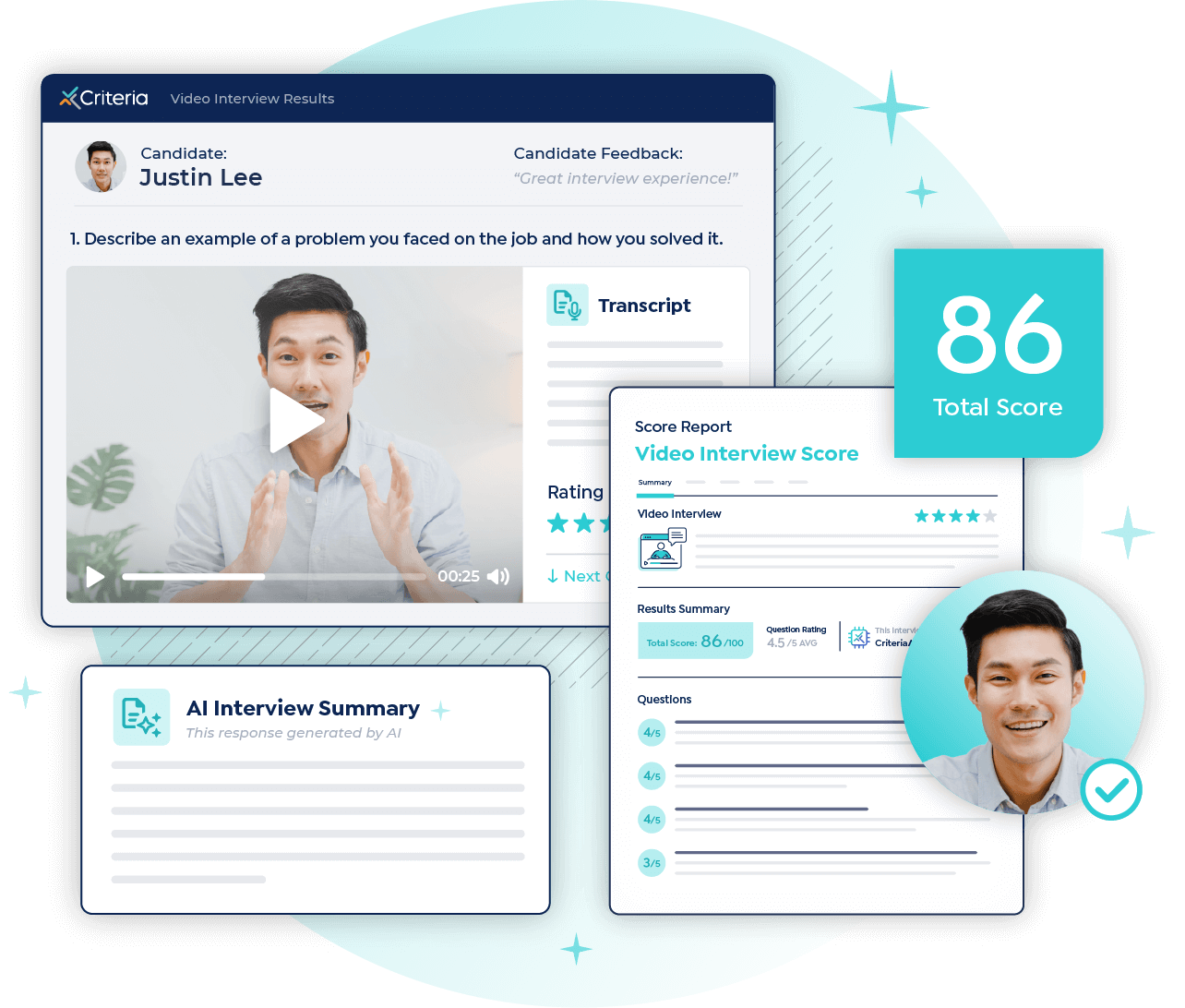
Criteria
What it does Pairs interviews with pre-employment testing and interview intelligence.
Best for Teams that want video interviewing inside a more assessment-led hiring process.
Why it stands out It makes more sense than a generic video tool when interviews are only one part of a broader evaluation stack.
Watch out for It is less attractive if you only want a simple, dedicated video interview product.
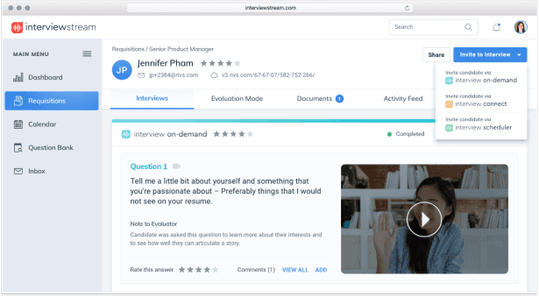
interviewstream
What it does Offers on-demand and live video interviewing plus scheduling and AI-generated interview summaries.
Best for Teams that want video interviewing and interview coordination together.
Why it stands out It covers a lot of the practical admin work around interviews, not just the recording layer.
Watch out for It is less lightweight than simpler one-way tools.
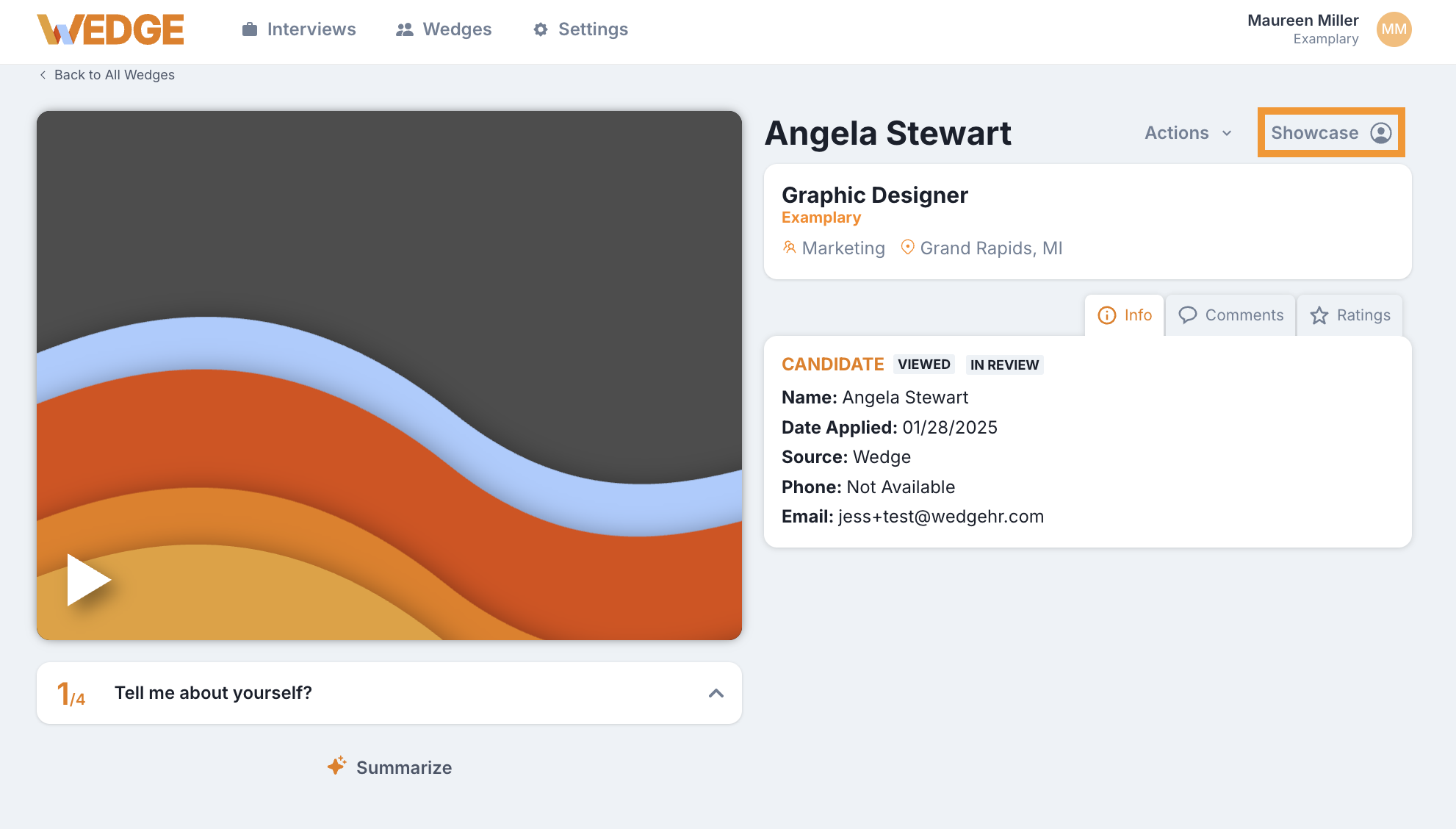
WedgeHR
What it does A one-way video interview platform built around faster early-stage screening.
Best for Staffing firms, franchises, and SMBs doing high-volume initial review.
Why it stands out It is focused, clear, and well matched to fast-moving async screening.
Watch out for It is more of an early-funnel tool than an all-stage interview platform.
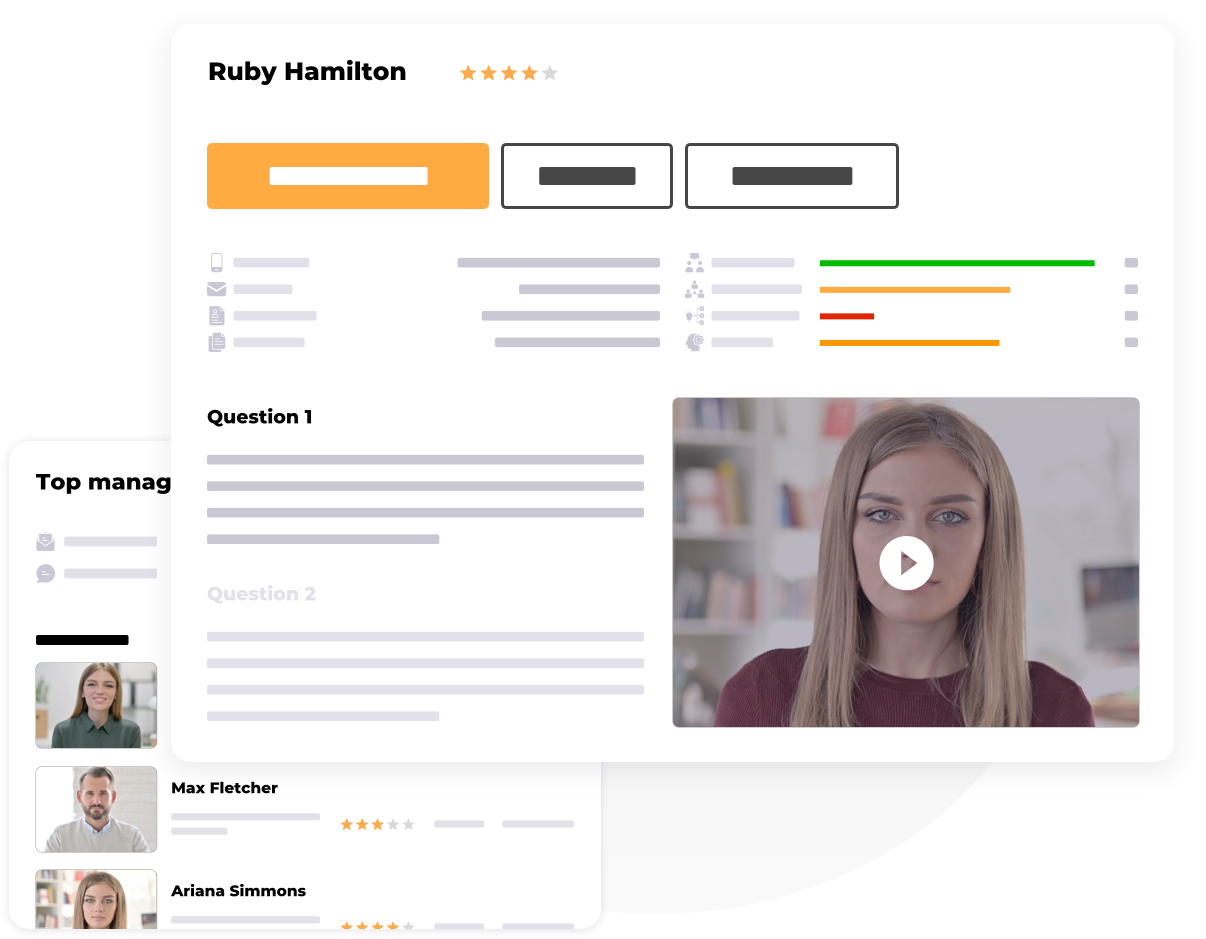
HRBLADE
What it does A virtual interviewing and hiring platform with video, audio, chat interviews, live interviews, assessments, and collaboration tools.
Best for SMBs that want broad interview functionality and visible pricing.
Why it stands out It combines multiple interview modes with more pricing transparency than many competitors.
Watch out for It has less brand recognition than the larger vendors in this space.
OneWayInterview
What it does An on-demand video interview platform built around one-way interviews and AI-assisted screening.
Best for Small businesses that want async screening without enterprise pricing.
Why it stands out It is comparatively accessible and keeps its focus on prerecorded interview workflows.
Watch out for It is mostly an async play, not a hybrid platform.
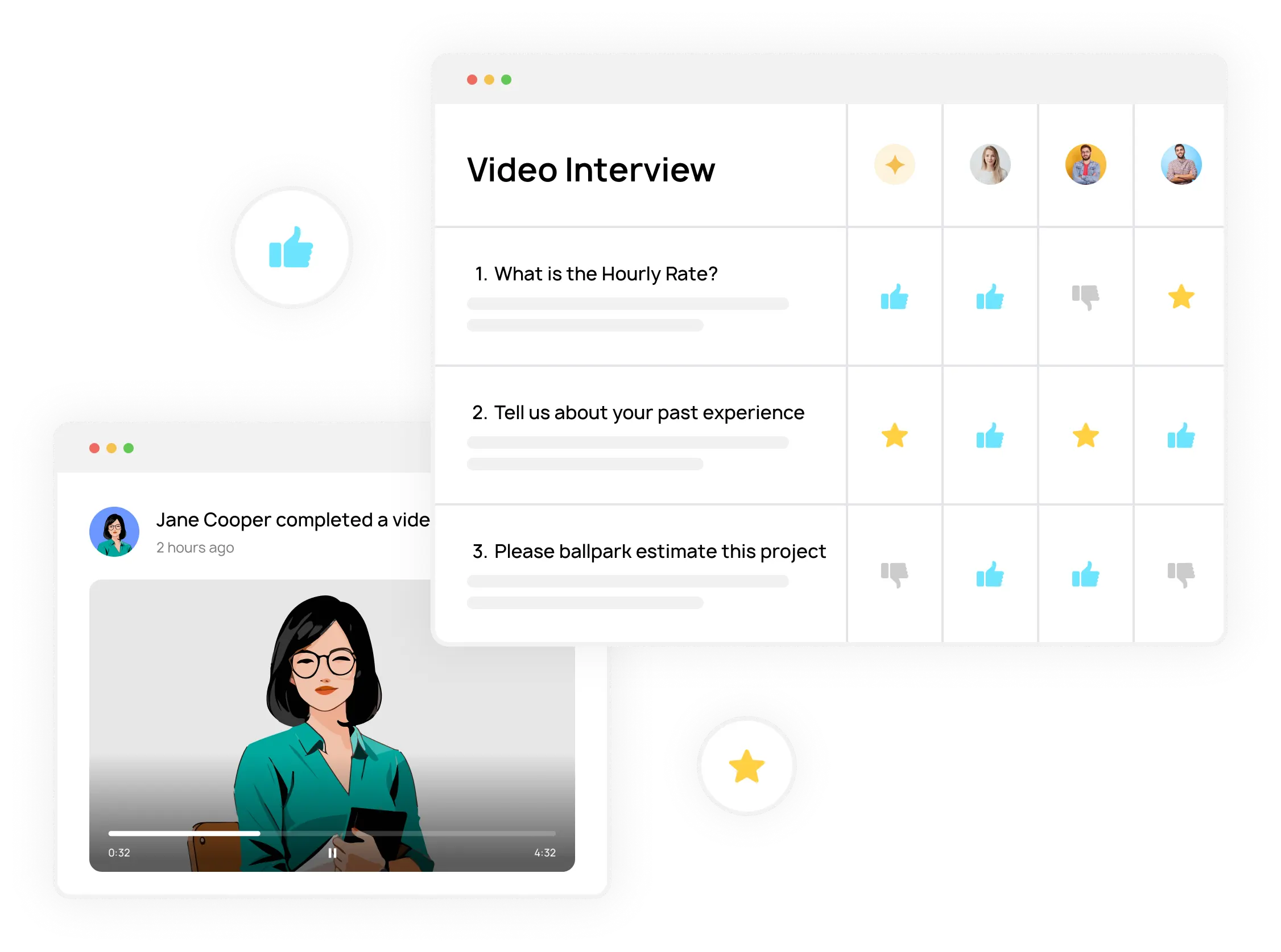
Hirevire
What it does A lightweight screening tool that lets candidates respond with video, audio, text, and file uploads.
Best for Startups and agencies that want a low-friction screening product.
Why it stands out It lowers candidate friction by avoiding logins and gives teams more response formats than video alone.
Watch out for It is more of a screening utility than a deep interview platform.
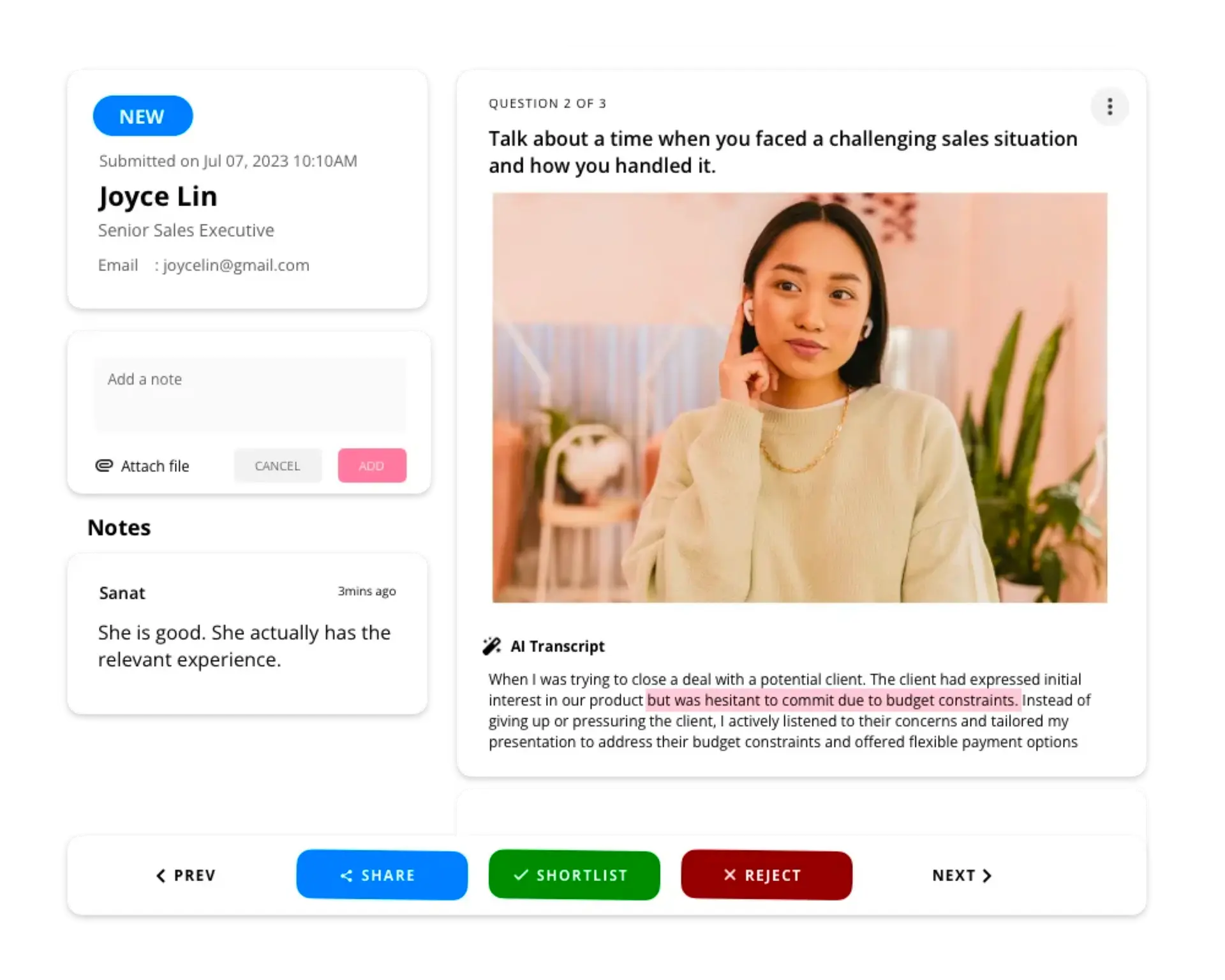
ScreeningHive
What it does A simple one-way video interview platform with mobile-friendly completion and affordable entry.
Best for Budget-conscious teams trying video screening for the first time.
Why it stands out Its free plan and public pricing make it easier to test than sales-led tools.
Watch out for It is better for straightforward async screening than complex hiring workflows.
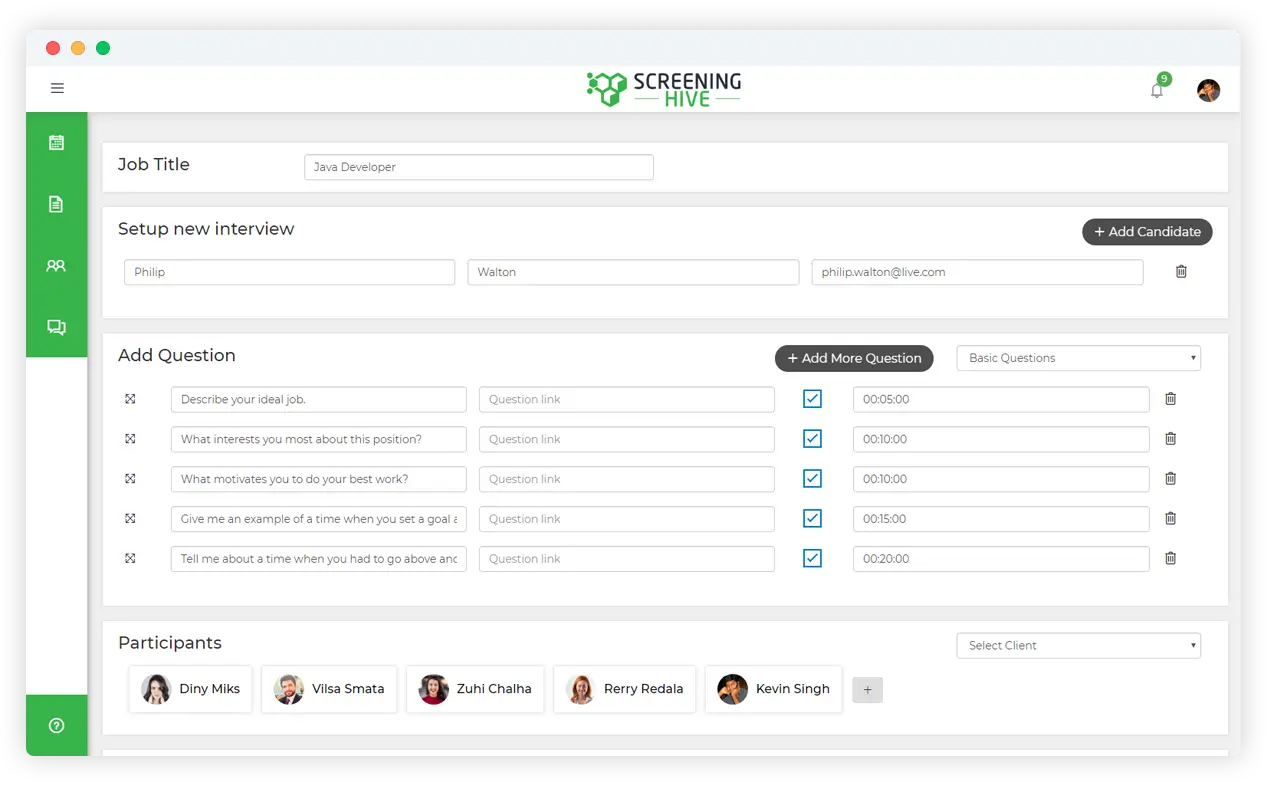
TestGorilla
What it does Adds AI video interviews to its broader pre-employment testing platform.
Best for Skills-first hiring teams that want interviews inside an assessment workflow.
Why it stands out It is a strong fit when resumes are weak signals and you want structured screening from tests through interview.
Watch out for It is not a pure-play video interview platform, so it makes the most sense if you also want assessments.
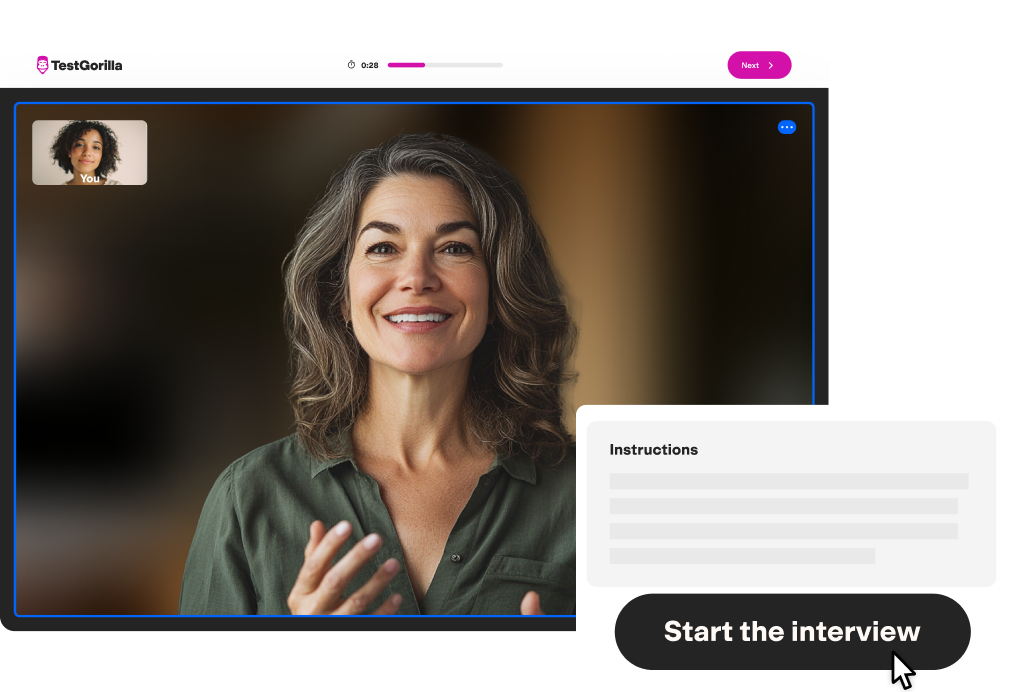
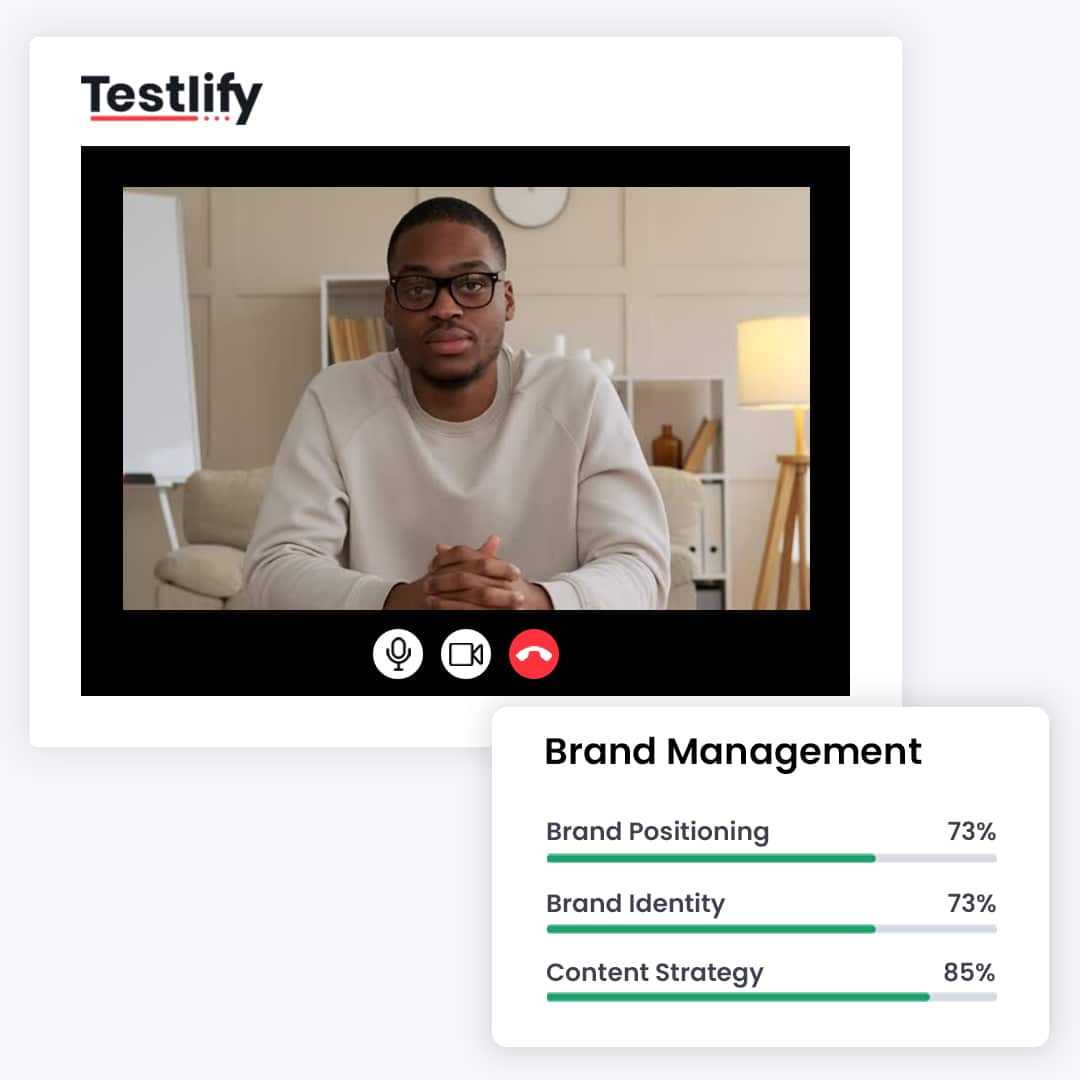
Testlify
What it does Supports one-way, two-way, and conversational AI video interviews across video, audio, and chat.
Best for Teams that want interviews and assessments in the same system.
Why it stands out It covers more interview formats than most assessment-led competitors.
Watch out for It is broader than many teams need if they only want simple async video screening.
TestTrick
What it does Combines one-way video interviews with skills tests, psychometrics, and anti-cheat controls.
Best for Teams that want to measure communication and capability in the same workflow.
Why it stands out It is useful when polished interview performance alone is not enough to trust the signal.
Watch out for It is not as streamlined as a dedicated video-only product.
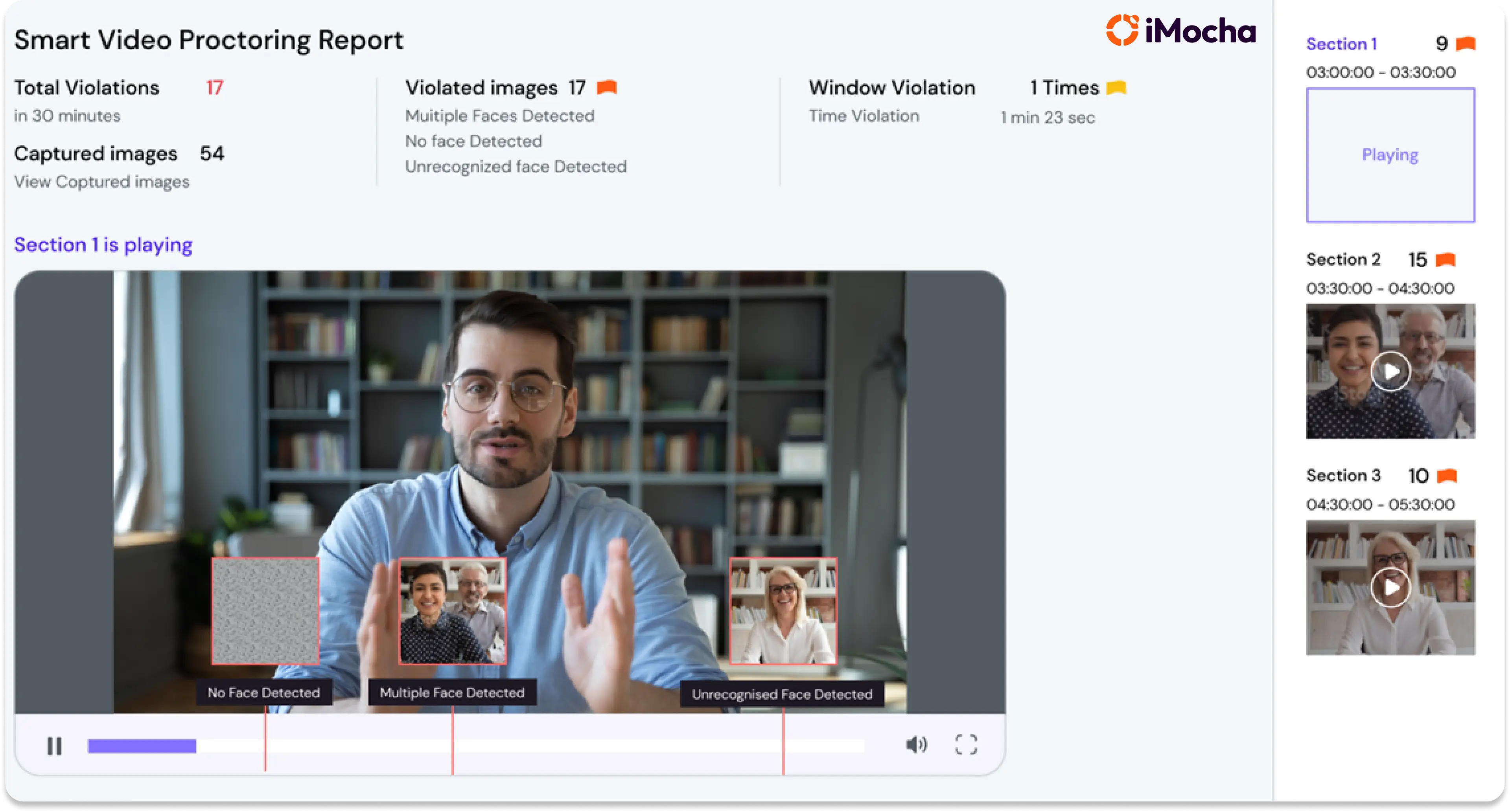
iMocha
What it does Uses automated one-way video interviews as part of a broader skills and competency assessment platform.
Best for Teams hiring for roles where technical and soft-skill validation both matter.
Why it stands out It is better suited than generic video platforms for capability-heavy hiring.
Watch out for It is more assessment-centric than video-centric.
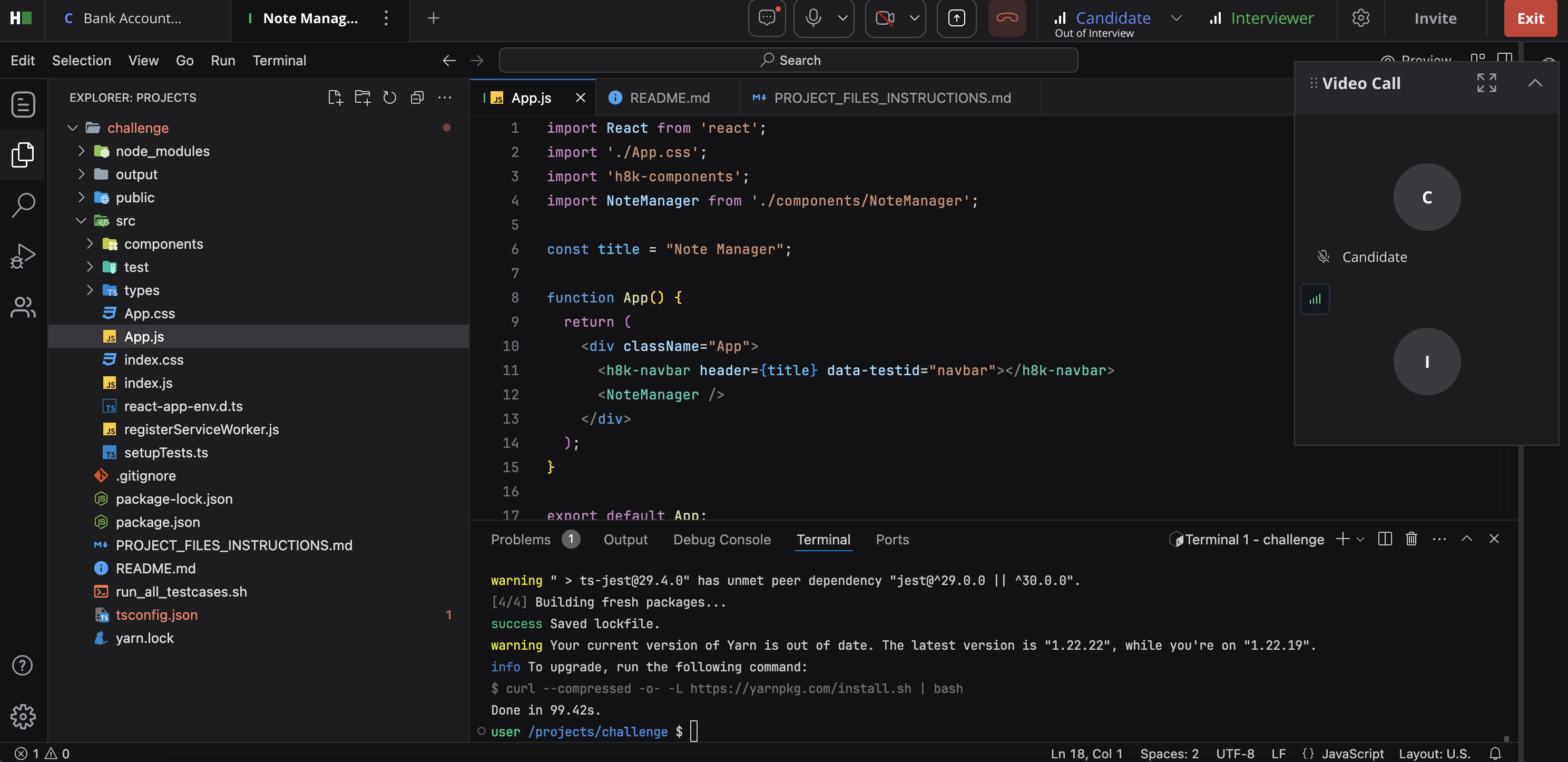
HackerRank
What it does A live technical interview environment with coding, collaboration, and AI-assisted interview features.
Best for Engineering teams running technical interviews.
Why it stands out It is purpose-built for real-time technical evaluation, not generic video interviewing.
Watch out for It is a narrow fit outside developer hiring.
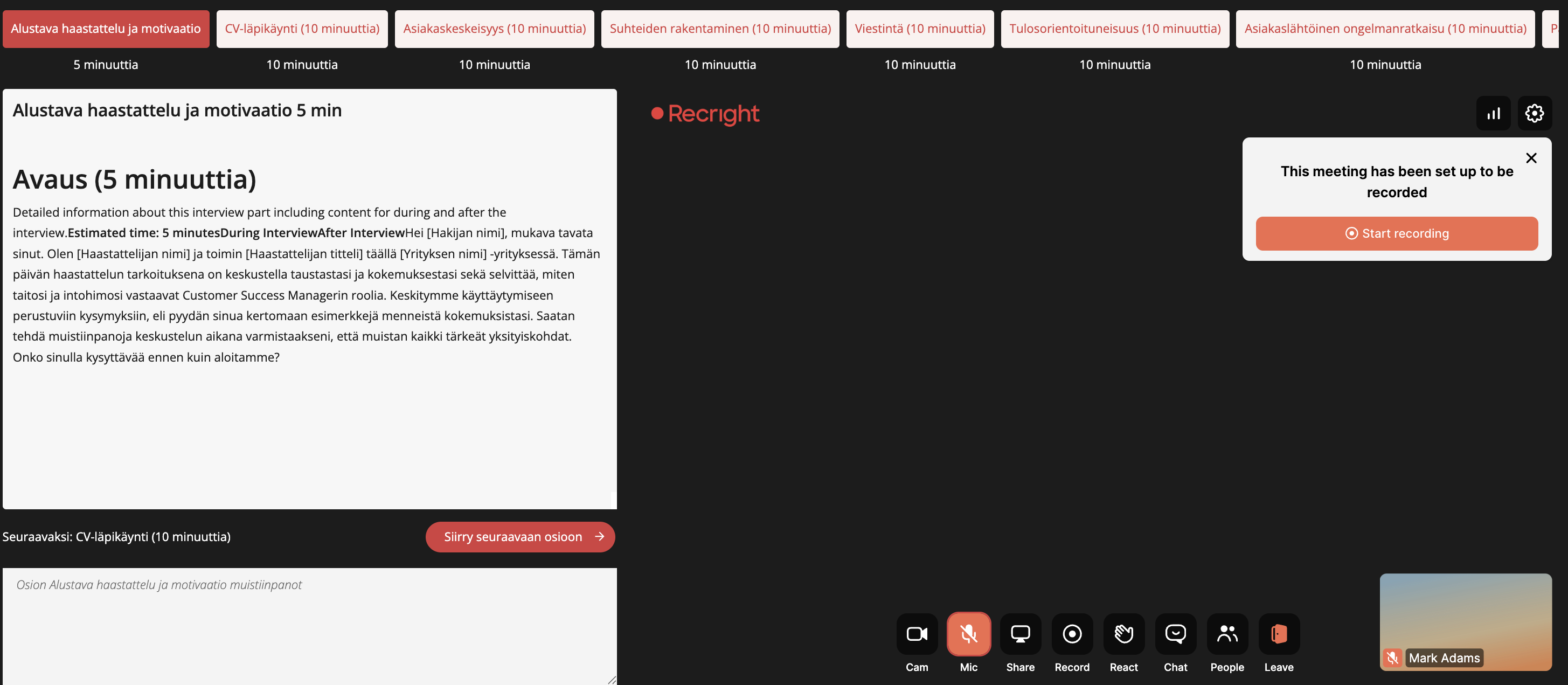
Recright
What it does Recright positions itself as an intelligent selection platform connecting screening, interviews, and decision support, with video interview creation and structured guides still part of the product.
Best for Teams that want structured interviewing with a strong video-screening foundation.
Why it stands out It has clear evidence of ongoing video interview functionality while also pushing into broader structured hiring and AI-supported interview design.
Watch out for It is evolving beyond a pure video interview brand, so buyers should assess whether they want a selection platform or a simpler interview tool.
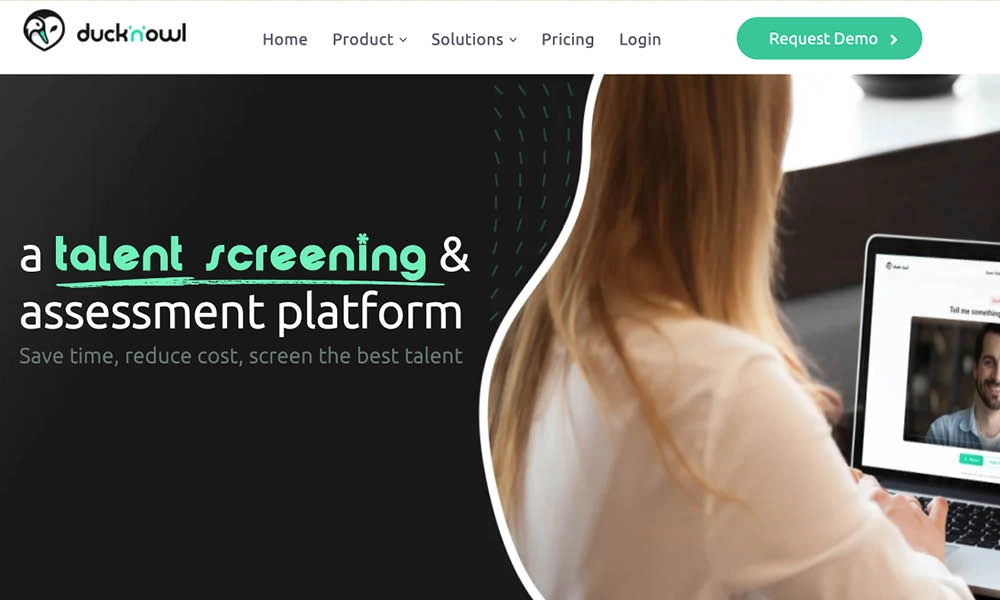
Ducknowl
What it does Ducknowl markets one-way interviewing as part of its candidate screening suite and positions it as a replacement for time-consuming phone screening.
Best for Teams that want one-way video interviewing bundled with other candidate screening tools.
Why it stands out It is more of a screening-suite option than a standalone interview brand, which may suit buyers consolidating early-funnel workflows.
Watch out for Its one-way interviewing presence is easier to verify through its screening content than through a dedicated flagship product page, so it is not as clean a category fit as the stronger pure-play tools above.
More platforms worth a look
A few more tools that come up often in this category:
- Humanly: Conversational AI hiring platform built for screening, scheduling, and high-volume interview automation across chat, voice, phone, and video. Best for retail, hospitality, and other frontline teams automating early conversations at scale.
- Workable: All-in-one hiring platform with native one-way video interviews, AI-assisted screening, scorecards, and scheduling built into a broader ATS.
- Manatal: AI-powered ATS and recruitment CRM with an AI Interviewer add-on for automated asynchronous screening. Good fit for agencies that want CRM, ATS, and interviews under one roof.
- eSkill: Primarily a pre-employment testing platform, but supports video and audio response questions inside its assessment workflows. Best for technical or compliance-heavy hiring where testing matters as much as the interview itself.
- Riverside: Not purpose-built recruiting software, but a high-quality recording platform some teams adapt for interviews when presentation quality (up to 4K, local recording) matters, like employer branding or executive interviews.
- 1Way Interview: A straightforward one-way interview platform for smaller, budget-conscious teams that want async screening with basic AI pre-scoring.
Free video interview software options
There’s no such thing as a free lunch, and unfortunately there’s no such thing as free video interview software. Free video interview software exists, but most “free” plans are really limited trials or stripped-down starter versions that only include a couple of responses.
That does not make them useless. It just means you should know what you’re giving up.
Some options to look at:
- Truffle: 7-day free trial, 5 candidate responses, no credit card required
- Hireflix: Limited free tier or trial availability depending on current plan structure
- Willo: Free plan or trial option with candidate limits
The trade-off is usually one of these:
- Lower candidate limits
- Fewer users
- No AI summaries or scoring
- Limited integrations
- Branding restrictions
Free tools are fine for testing the workflow. They are usually not the best long-term answer if you need to any kind of volume.
How to choose video interviewing software
Most teams do not need the “best” video interview platform in the abstract. They need the platform that best fits their hiring volume, workflow, and budget.
Define your hiring volume and use case
If you hire for hourly, frontline, support, sales, or other high-volume roles, async video usually gives you the biggest return.
If you hire mostly for senior, leadership, or niche specialist roles, live interviewing often matters more.
A simple rule:
- High volume = prioritize async and AI-assisted review
- High complexity = prioritize live interviewing and structured collaboration
Evaluate AI capabilities and transparency
A lot of vendors say they use AI. That tells you almost nothing.
The better question is: what exactly is the AI doing?
Look for:
- Structured scoring against role criteria
- Clear reasoning behind every score
- Transcript-based evaluation
- Ranking that maps back to actual job requirements
Avoid video recruitment platforms that make vague promises but give you no way to inspect how a score was produced.
Check ATS and HR tech integrations
If your ATS is where recruiters and hiring managers actually work, your video platform needs to fit that workflow.
Look for:
- Greenhouse, Lever, Workable, and BambooHR compatibility
- Stage-change triggers
- Interview completion updates
- Writeback of transcripts, scores, and links
- Zapier or API access when native integrations are limited
Assess candidate experience and completion rates
If the experience is clunky, your completion rate drops.
Look for:
- Mobile-friendly interviews
- Browser-based recording
- No app downloads
- Clear time limits
- Enough prep time before answers begin
The best candidate screening tool in the world is worthless if half your candidates abandon it.
Compare pricing models and total cost
Pricing for video interview software usually falls into four buckets:
- Per candidate
- Per user
- Flat monthly or annual subscription
- Enterprise contract
You also need to check for hidden costs like:
- Implementation fees
- Integration fees
- Branded landing pages
- AI add-ons
- Storage or usage caps
Run a short pilot before you commit
Don’t pick a platform off a demo alone. Set up a real test and measure it.
- Set up a test interview in under 15 minutes. Build your first position from scratch, add three questions, and send a candidate link. If it takes 45 minutes instead of 15, that friction repeats every time you open a new role.
- Send it to real candidates, not internal testers. Internal testers finish out of obligation. Real candidates show you where completion actually drops off.
- Time how long review takes. Ten candidates in 30 minutes is a good sign. Three hours is not. Good AI summaries let you scan instead of rewatching everything.
- Ask candidates for a one-line reaction. Not a star rating, a sentence. Clunky interfaces and confusing instructions show up fast this way.
- Verify the ATS integration with a live test candidate, not just a demo. Demos are always smooth. Confirm the sync actually works with your data before you commit.
Common mistakes to avoid along the way: picking based on the demo instead of a live test, ignoring candidate experience feedback, overbuying enterprise features a small team will never configure, and skipping integration testing until after signing.
Video interviewing software features to look for
If you’re building an evaluation checklist, these are the features that matter most.
Asynchronous and live interview modes
If you only need candidate screening, async may be enough. If you want a single tool for your whole process, hybrid platforms make more sense.
AI scoring and candidate matching
The strongest AI recruiting tools do more than summarize. They help you rank candidates against the actual job.
Look for:
- Match scoring
- Qualification filtering
- Explainable evaluation
- Role-based rubrics
- Ranking by fit, not just completion order
This is where Truffle stands out. It scores candidates against your exact criteria and shows the reasoning behind the score.
Transcription and summaries
Transcripts and summaries speed up review dramatically.
Instead of rewatching every response from start to finish, recruiters can scan transcripts, jump to key moments, and decide where to spend attention.
Highlight reels help even more. Truffle’s Candidate Shorts are a good example of this. They condense the signal into a faster review format.
Team collaboration and scorecards
If multiple people are involved in hiring, the platform should support independent review and cleaner alignment.
Look for:
- Shared scorecards
- Role-based permissions
- Consensus workflows
- Reviewer notes
- Structured feedback collection
Customizable interview templates
The more repeatable your process, the more consistent your decisions.
Look for tools that let you:
- Save interview templates
- Reuse job-specific scorecards
- Standardize questions by role family
- Auto-generate questions from a job description
Branding and candidate experience
A polished candidate experience matters more than many teams think.
Look for:
- Custom branding
- Mobile responsiveness
- Browser-based recording
- Easy instructions
- No-download experience
ATS integrations
Even if a tool looks great, it becomes a headache fast if the integration is shallow.
At a minimum, confirm whether it supports:
- Auto-invites
- Status sync
- Score or transcript writeback
- Candidate record updates
- API or Zapier flexibility
Benefits of video interview software
Done well, video interviewing software solves very practical problems.
Faster screening
Async interviews let you review candidates in parallel instead of one by one on scheduled calls.
Reduced scheduling conflicts
Candidates can complete interviews on their own time, which removes a lot of calendar coordination early in the process.
Better team collaboration
Hiring managers and recruiters can review candidates independently and then compare notes using the same evidence.
More consistent evaluation
Every candidate answers the same questions in the same format, which improves fairness and comparability.
Broader talent pools
Teams can screen candidates across locations and time zones without relying on everyone being free at the same moment.
Drawbacks of video interview platforms
These tools are useful, but they are not magic.
Candidate perception
Some candidates dislike one-way interviews because they can feel impersonal.
That does not mean you should avoid them. It means you should keep them short, relevant, and respectful.
Technical barriers
Bad connections, poor audio, older devices, and browser issues can affect completion and candidate comfort.
Over-reliance on AI
Not all AI evaluation is transparent. If a platform gives you scores without explaining them, that is a problem.
Implementation time
Some platforms, especially enterprise suites, take weeks to configure and roll out. Others can be live in minutes. That difference matters.
How much does video interview software cost
Pricing varies a lot depending on whether you want a lightweight async tool or an enterprise hiring suite.
A practical way to think about it:
- Per-candidate pricing: Usually best for variable or seasonal volume
- Monthly subscription pricing: Better for smaller or steady-state teams
- Unlimited plans: Best when screening volume is consistently high
- Enterprise contracts: Common when you need compliance, custom workflows, and broad integrations
Typical ranges look something like this:
- SMB self-serve tools: roughly $99 to $400 per month
- Mid-market tools: often custom pricing
- Enterprise suites: often five-figure annual contracts and up
- Free tiers or trials: typically limited by candidates, users, or features
Tools with transparent self-serve pricing are easier to compare. Tools with custom pricing often require a demo before you can even estimate total cost.
One-way vs live video interview platforms
Both formats matter. They just solve different problems.
FactorOne-way (async)Live videoBest forHigh-volume screeningFinal rounds, executive rolesSchedulingNone requiredCalendar coordination neededCandidate flexibilityRecord anytimeFixed appointmentReview timeParallel reviewReal-time onlyAI evaluationMore commonLess common
A simple rule of thumb:
- Use one-way when speed, consistency, and scale matter most
- Use live when back-and-forth discussion matters most
How AI video interview software works
There’s a big difference between AI that simply organizes interviews and AI that helps evaluate them.
The better tools follow a workflow like this:
- Question generation: AI creates or helps refine interview questions from the job description
- Response evaluation: Candidate answers are scored against defined criteria
- Candidate ranking: The platform generates a match score or shortlist order
- Qualification checks: Must-haves like certifications, availability, or experience are verified early
- Highlight extraction: Key moments are surfaced so recruiters can review faster
This is also where transparency matters.
Some platforms just label themselves “AI-powered” and stop there.
Others, like Truffle, show the rubric, the reasoning, and the link between the job criteria and the score. That makes the AI usable as decision support instead of a black box.
Video interviewing trends
AI evaluation is replacing manual resume screening
Teams increasingly want software that helps surface strong candidates early instead of just storing applications.
One-way interviews are becoming standard for high-volume roles
When hiring volume is high, phone screens do not scale well. Async video does.
Regulation around AI interviewing is increasing
As AI becomes more central to screening and evaluation, employers are paying more attention to explainability, auditability, and compliance.
Candidates expect faster and fairer processes
Candidates are more tolerant of async interviews when the process is clear, quick, and actually leads to faster decisions.
How to get started with video interviewing software
If you’re implementing video interviewing for the first time, keep it simple.
- Define your screening criteria and must-have qualifications
- Choose a platform that fits your volume and budget
- Create or auto-generate structured interview questions
- Integrate with your ATS or add the interview link to job postings
- Share the interview link with candidates
- Review results and shortlist top fits
- Move the strongest candidates to live interviews or offers
If you want the fastest route from job description to shortlist, Truffle is a strong place to start. You can paste in a job description, generate structured questions, send one link, and start reviewing right away.
Final thoughts on the best video interview software
The best video interview software depends less on brand name and more on what problem you’re actually trying to solve.
If your biggest issue is first-round applicant screening volume, start with a tool that helps you evaluate candidates quickly and consistently, not one that simply gives you more videos to watch. If your biggest issue is late-stage coordination and structured live interviews, you may need a platform built around real-time collaboration. And if you need both, look at hybrid platforms that combine async and live interviewing in one place.
For lean teams that want fast setup, clearer signal, and AI that actually reduces review time, Truffle is the smart pick. It helps you move from applicant pile to evidence-backed shortlist without enterprise complexity, weeks of implementation, or mystery scoring.
FAQs about video interview software
How do candidates typically respond to one-way video interviews?
Most candidates like the flexibility of recording on their own time, especially when the interview is short and the instructions are clear. The format feels worse when it is too long, poorly explained, or obviously replacing human interaction all the way through the process.
Can video interview software detect AI-generated candidate answers?
Some platforms can flag likely AI-assisted answers. Truffle’s AI Check is designed to help recruiters spot answers that appear overly generated or inauthentic so they can investigate further rather than taking every response at face value.
What completion rate should you expect from video interviews?
It depends on the role, the audience, and the experience. Mobile-friendly, no-download tools generally perform better. Clear instructions and short interview length matter a lot.
How long should a one-way video interview be for candidates?
In most cases, keep the total experience under 15 to 20 minutes. Individual answers should usually stay in the 1 to 3 minute range.
Is video interview software compliant with hiring regulations?
Compliance varies by platform and region. If you’re using AI in evaluation, look for transparency, auditability, and tools that avoid scoring based on demographic or appearance-related cues.