I've tried 50 recruiter productivity tools, here are my top 14
I've tried 50+ recruiter productivity tools in the past year. These are the ones I keep coming back to.


AI summary
- I tested nearly 50 recruiter productivity tools over the past year and kept 14. They break down into four categories: your ATS (the foundation everything else plugs into), AI sourcing (the biggest shift in how recruiting works right now), candidate screening (where I personally saved the most time), and interview scheduling (the easiest quick win).
- The tools are organized by where they fit in your hiring process, not by vendor marketing. Each one maps to a specific stage where recruiters lose the most hours: sourcing, screening, outreach, scheduling, evaluation, or analytics. If you're on a small team, a three-tool stack (ATS + screening + scheduling) covers about 80% of the process without an enterprise contract.
- The biggest mistake I made was buying tools before measuring anything. The core advice: pick your single worst bottleneck, fix that first, give it 90 days, then add the next thing. A productivity stack that grows faster than your ability to actually use it just becomes its own problem.
I have a problem with recruiter productivity tools.
Not in the sense that they don’t work. In the sense that I can’t stop trying new ones. If there’s a new sourcing platform, a new scheduling tool, a new AI screening thing with a waitlist, I’ve already signed up. Probably during a meeting I should have been paying attention to.
Over the past year, I’ve tried nearly 50 recruiting productivity tools. (I tracked them in a spreadsheet, because of course I did.) Some were genuinely great. Some were $300/month lessons in reading the fine print. A few I forgot I was paying for until I audited my expenses in January.
But through all that testing, about 14 tools have stuck. Either I use them daily, or I recommend them to every recruiter who asks me what’s in my stack.
Before I get into those, a quick note: “recruiter productivity tools” is a broad term, so let me give you my definition: recruiter productivity tools are software applications that automate repetitive hiring tasks (sourcing, screening, scheduling, candidate communication, and reporting), centralizes candidate data, and surfaces insights that (hopefully) make you better at your job.
In this guide, I’m focused on tools that help with the core recruiting process: finding candidates, screening them, scheduling interviews, keeping pipelines warm, and measuring whether any of it is working.
The recruiter productivity tools
- Greenhouse Best ATS for hiring at scale
- Workable Best for mid-market teams that want fewer logins
- Lever Best for teams that source proactively
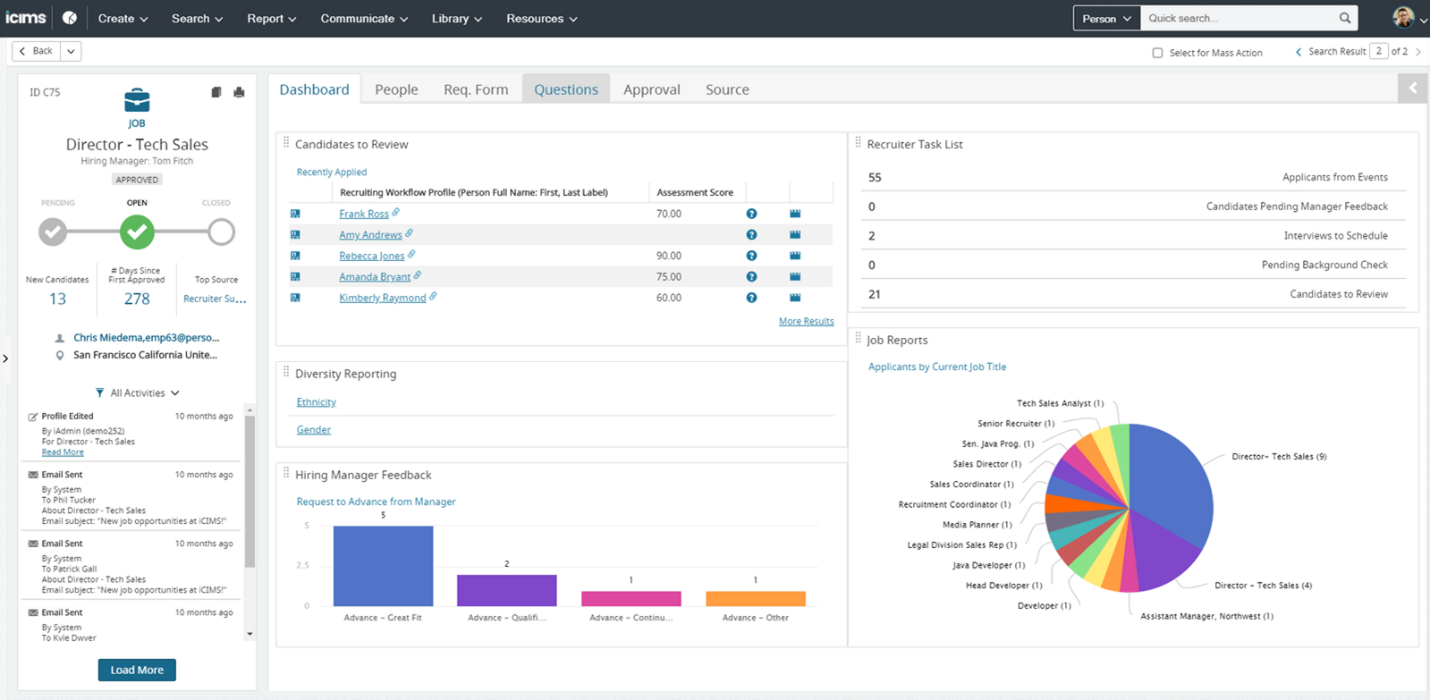
- iCIMS Best for enterprise high-volume hiring
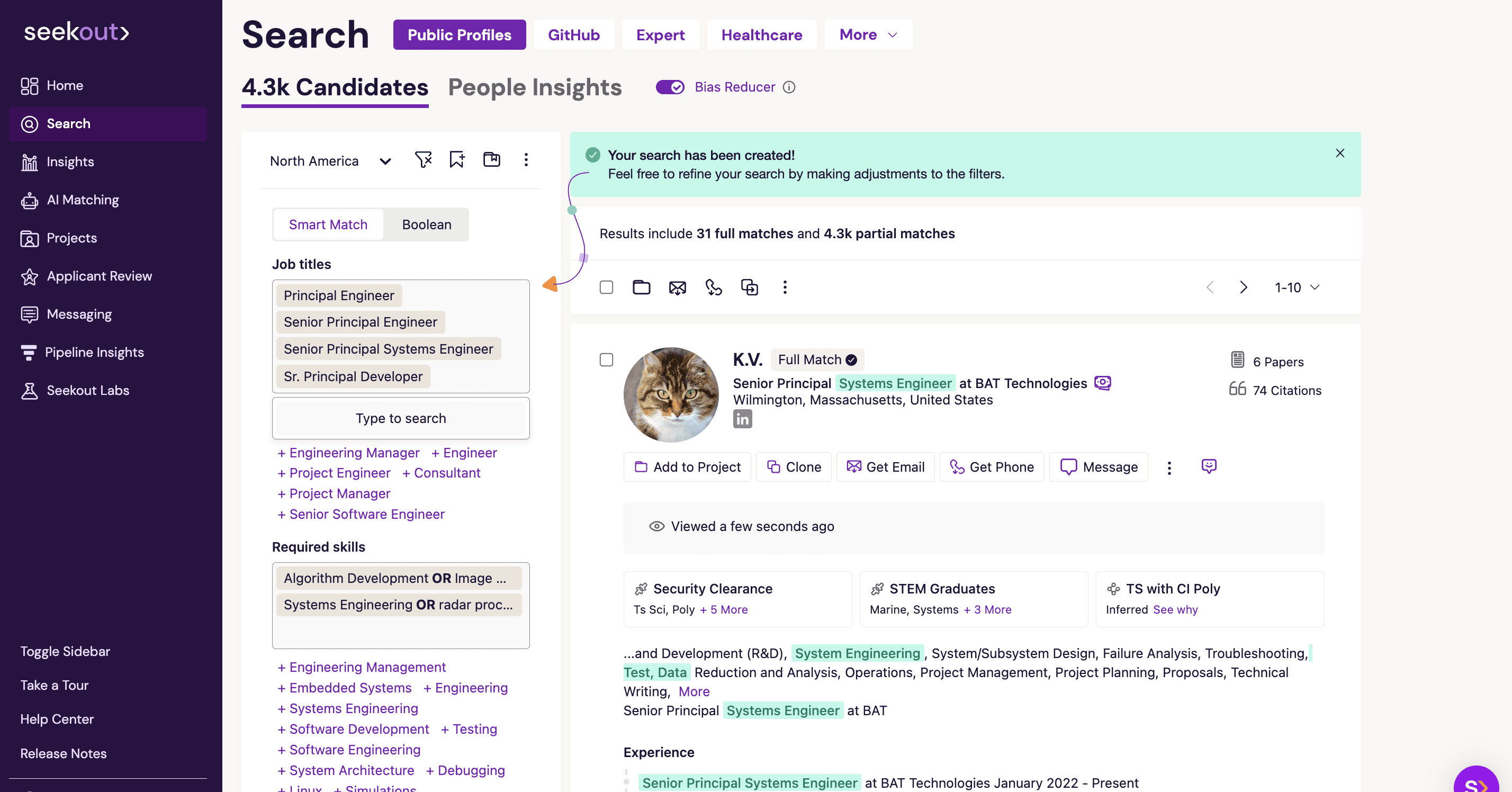
- SeekOut Best for diversity sourcing
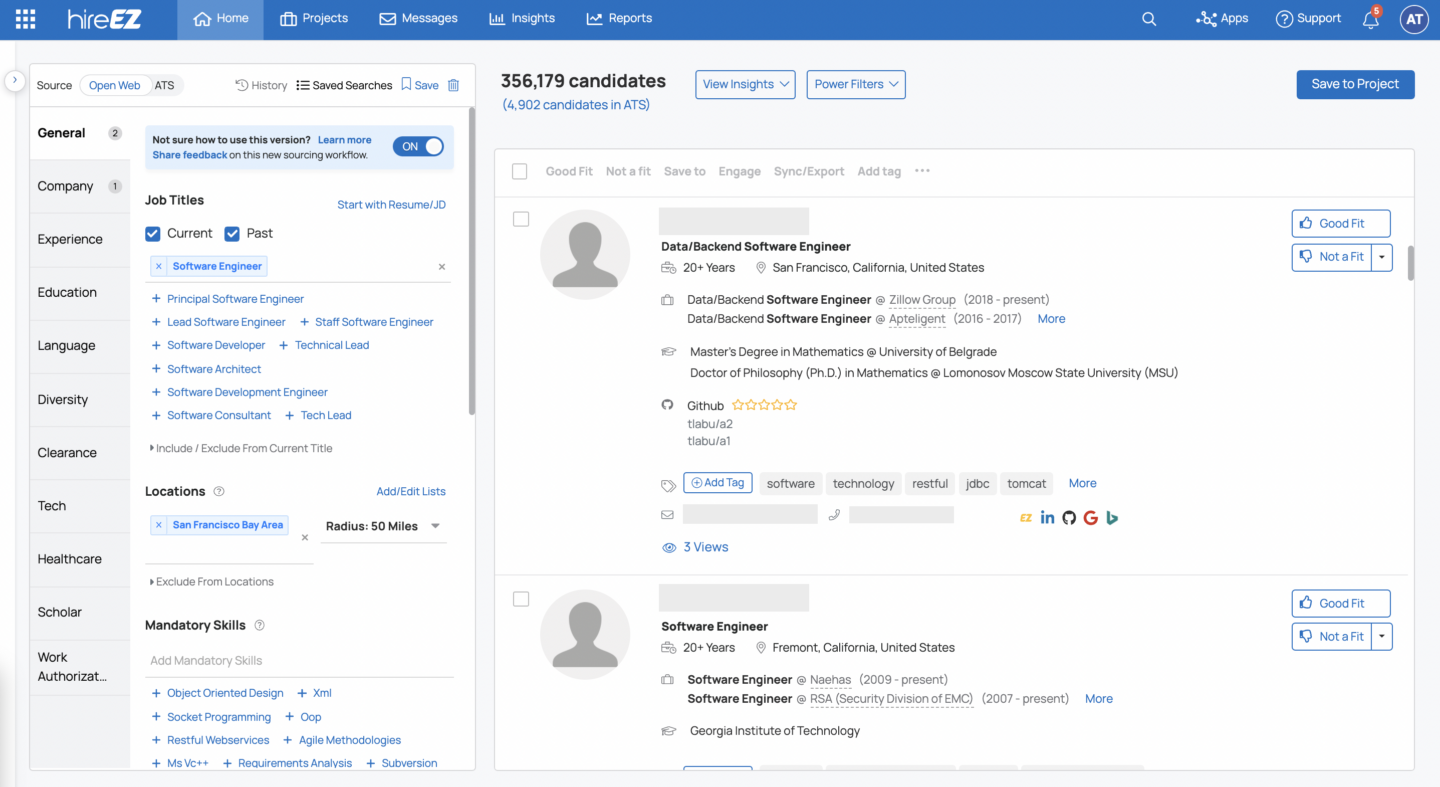
- hireEZ Best for passive candidate sourcing at scale
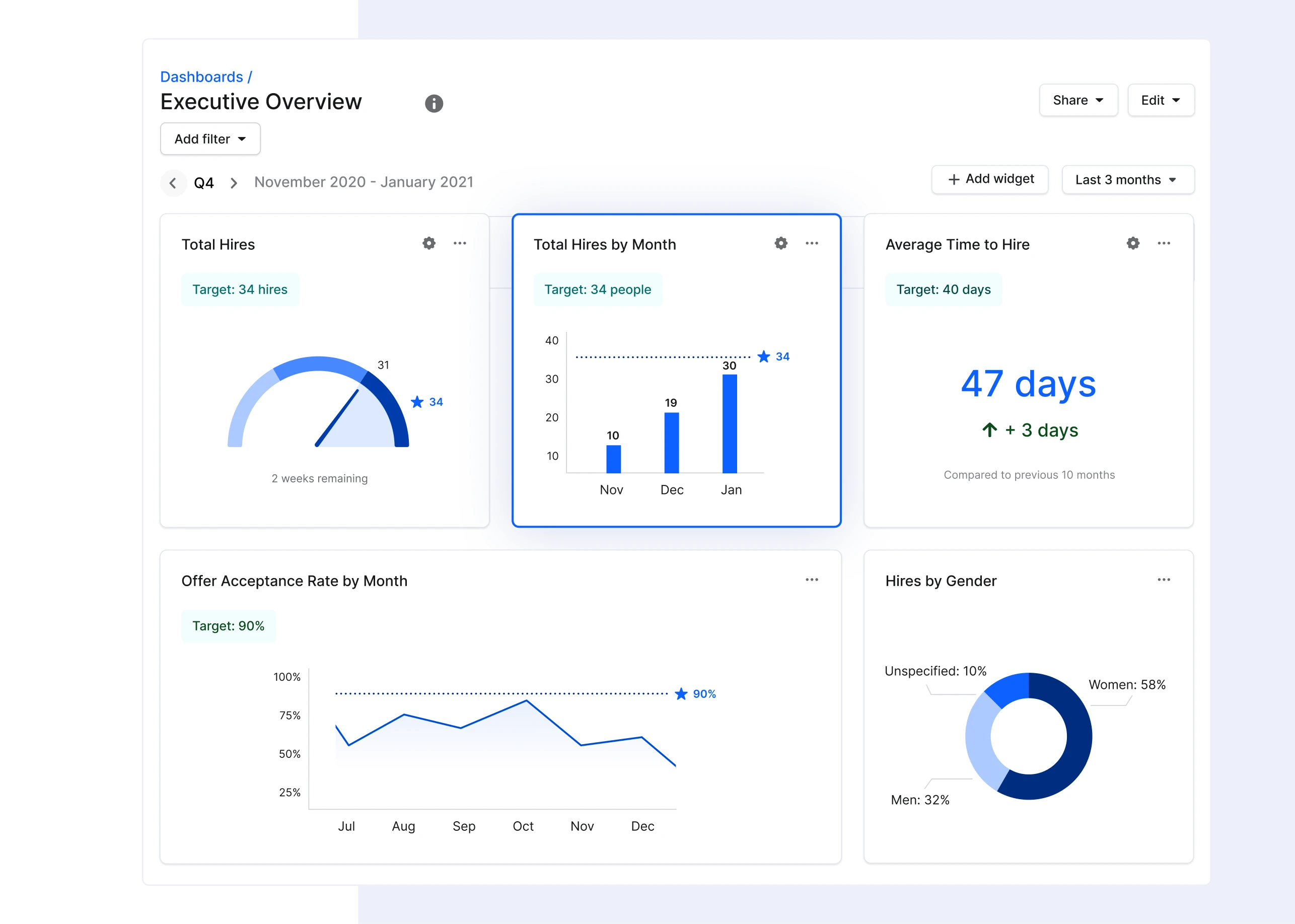
- Gem Best for full-cycle recruiting teams
- LinkedIn Recruiter Best for professional and B2B roles
- Truffle Best for lean teams that need multi-signal screening
- TestGorilla Best for technical screening and skills-first hiring
- HireVue Best for enterprise-scale AI assessment
- Calendly Best for small teams that need to stop playing email tag
- GoodTime Best for enterprise panel scheduling
- Paradox Best for high-volume hourly hiring
How I narrowed 50+ recruiter productivity tools down to 14
Before I get into the tools themselves, a quick note on how I picked these.
I started with a list of 50+ recruiter productivity tools in 2025 pulled from G2 and TrustRadius reviews, Reddit threads (r/recruiting and r/humanresources are goldmines for honest opinions), and tools I’ve personally tested over the past two years.
First pass: I cut anything that hadn’t shipped a meaningful update since 2024 or had a website that looked like it’d been made with Microsoft Paint. Second pass: I cut tools that only serve one geography or one ATS. Third pass: I evaluated what was left against the things I actually care about when adopting a tool. Does it genuinely reduce time at a specific stage? Does it integrate with at least three major ATS platforms? Is pricing published or at least available on request? (The “contact us” black box with no ballpark is always a red flag for me.) Does it have genuinely useful AI features? Do real recruiters recommend it? And can a team of 1-5 recruiters realistically adopt it without a dedicated implementation project?
What survived: 14 tools across six hiring stages. I included Truffle in the comparison and evaluated it against the same criteria. Where a tool is strong, I say so. Where it has gaps, I say that too. For a broader look at online recruitment tools across the full hiring funnel, see our companion guide.
The 6 stages where I was losing the most time
Before I get into specific tools, it helps to see where the hours actually go. When I finally mapped my own week, the results were embarrassing. I knew I was busy. I didn’t realize how little of that busyness was productive.
- Sourcing. I was easily spending about 13+ hours a week on LinkedIn, job boards, and internal databases. For passive-candidate roles, it was the single biggest time investment in my entire week.
- Screening. I was spending about 20 hours per week reviewing resumes and doing phone screens.
- Outreach. Engaging candidates without burning hours on manual emails. Personalized outreach gets results (response rates of 48% with AI-assisted messaging vs. 5-15% with generic templates, according to LinkedIn). But personalization at scale requires tools, not just effort.
- Scheduling. This was the Tuesday that broke me. I was spending roughly 7 hours per week just coordinating interviews. Traditional scheduling averages 2-3 weeks to first interview. Automated self-scheduling brings that under a day.
- Evaluation and decision-making. Collecting feedback from interview panels, aligning on scoring criteria, moving candidates through pipeline stages. I’ve lost count of the times a hiring manager’s feedback sat in a Slack thread while I was updating the ATS with different information.
- Analytics and pipeline visibility. Tracking time-to-hire, source quality, conversion rates, and other talent acquisition analytics work.
When I added it all up, it was clear that I spent 60-80% of my work week on administrative tasks, leaving as little as 3 hours for the strategic, relationship-building work that actually moves the needle. With that in mind, every tool below maps to one of these six stages.
The top 14 recruiter productivity tools
| Tool | Category | Best for | ATS integration | Pricing tier | Ideal team size |
|---|---|---|---|---|---|
| Greenhouse | ATS | Structured hiring at scale | N/A (is the ATS) | Paid (custom quote) | 50-1,000+ employees |
| Workable | ATS + AI sourcing | Mid-market teams wanting ATS and sourcing in one | N/A (is the ATS) | Paid (from $149/mo) | 20-500 employees |
| Lever | ATS + CRM | Teams that nurture passive candidates | N/A (is the ATS) | Paid (custom quote) | 50-1,000 employees |
| iCIMS | Enterprise ATS | Enterprise high-volume hiring | N/A (is the ATS) | Enterprise (custom quote) | 1,000+ employees |
| SeekOut | AI sourcing | Diversity sourcing with 800M+ profiles | Yes | Paid (custom quote) | 100-5,000 employees |
| hireEZ | AI sourcing | Passive candidate sourcing at scale | Yes | Paid (from $169/mo) | 50-1,000 employees |
| Gem | CRM + sourcing + analytics | Full-cycle recruiting teams | Yes | Paid (custom quote) | 100-5,000 employees |
| LinkedIn Recruiter | Sourcing platform | Professional and B2B roles | Yes | Paid (from ~$170/mo) | Any |
| Truffle | Candidate screening (video + assessments + AI) | Lean teams, multi-signal screening | Yes | Paid (from $49/mo, credit-based) | 1-5 person TA teams |
| TestGorilla | Skills assessment | Technical screening, skills-first hiring | Yes | Free tier; paid from ~$75/mo | Any |
| HireVue | Video + assessment | Enterprise-scale AI assessment | Yes (Workday, SAP, 30+) | Enterprise ($35K-$75K/yr) | 500+ employees |
| Calendly | Scheduling | Self-scheduling for small teams | Yes (via Zapier or native) | Free tier; paid from $10/mo | 1-50 employees |
| GoodTime | Interview scheduling | Enterprise panel scheduling | Yes (Greenhouse, Lever, Workday) | Paid (custom quote) | 200+ employees |
| Paradox (Olivia) | Conversational AI scheduling | High-volume hourly hiring | Yes | Paid (custom quote) | 500+ employees |
Your ATS is the foundation (get this right first)
I’ve made the mistake of layering point solutions on top of a weak ATS. It’s not something I’d recommend doing. Every tool in this article either integrates with your ATS or is your ATS, so before adding anything else, make sure this layer is solid.
Greenhouse
Best ATS for hiring at scale.
Greenhouse is the one I hear recommended most often by other recruiters, and for good reason. Over 450 integrations, scorecards built into the process, and a hiring methodology that enforces consistency across interviewers. If you have 50+ employees and want your interviewers to actually evaluate candidates the same way, Greenhouse makes that hard to avoid.
The downside: custom pricing, and it can feel like overkill for small teams.
Workable
Best for mid-market teams that want fewer logins.
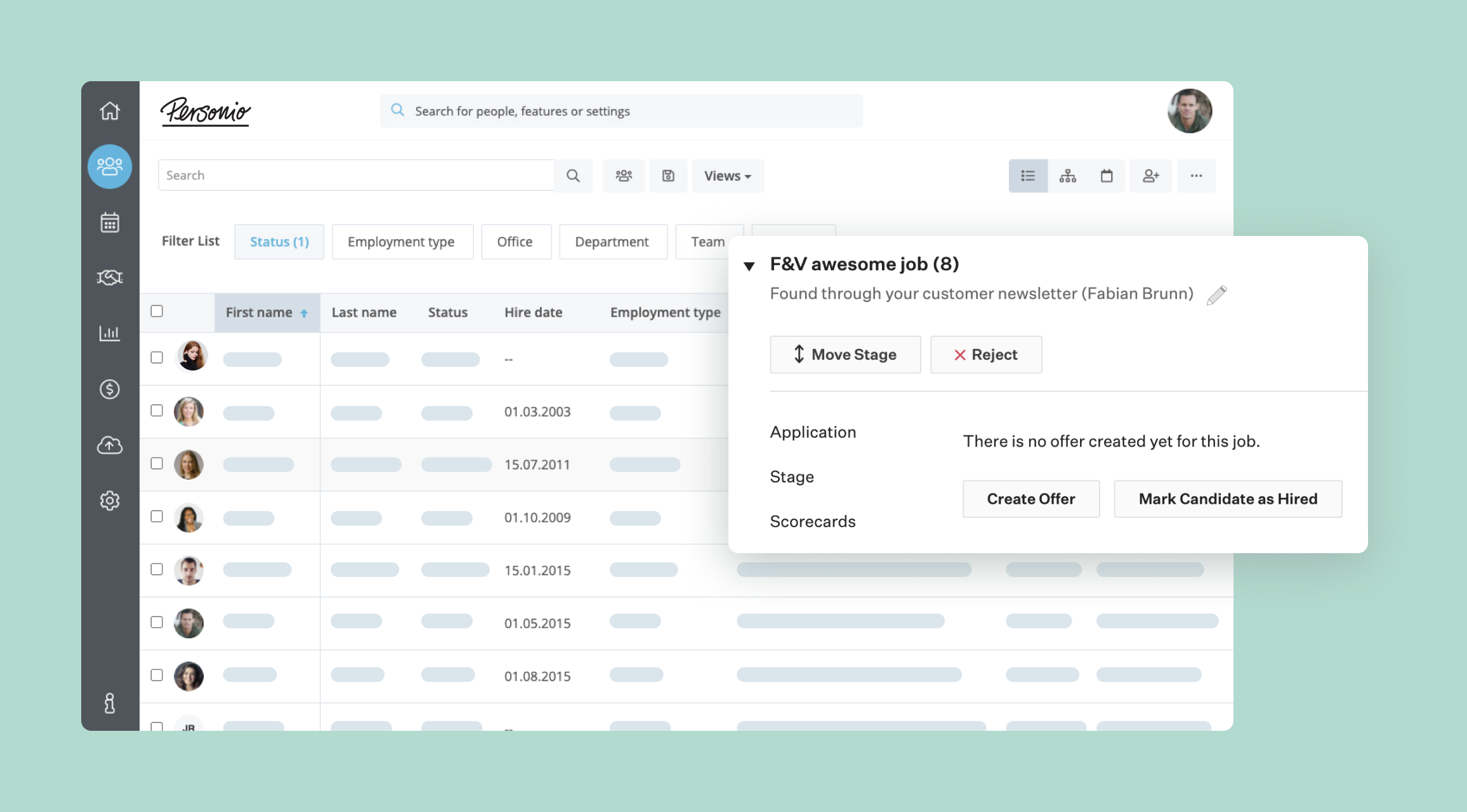
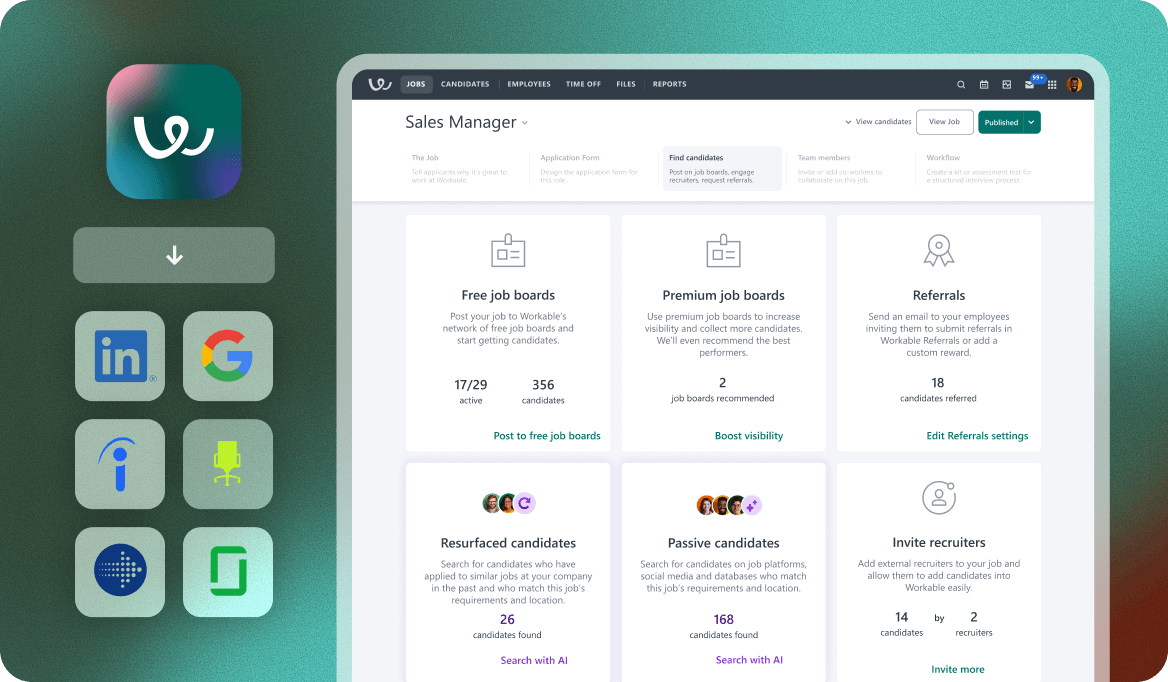
Workable bundles ATS, AI-powered candidate sourcing, and native video screening into one platform. I like this for teams of 20-500 that are tired of switching between four tabs to do one thing. The trade-off is that you’re getting “good enough” at each function rather than “best in class” at any single one.
Lever
Best for teams that source proactively.
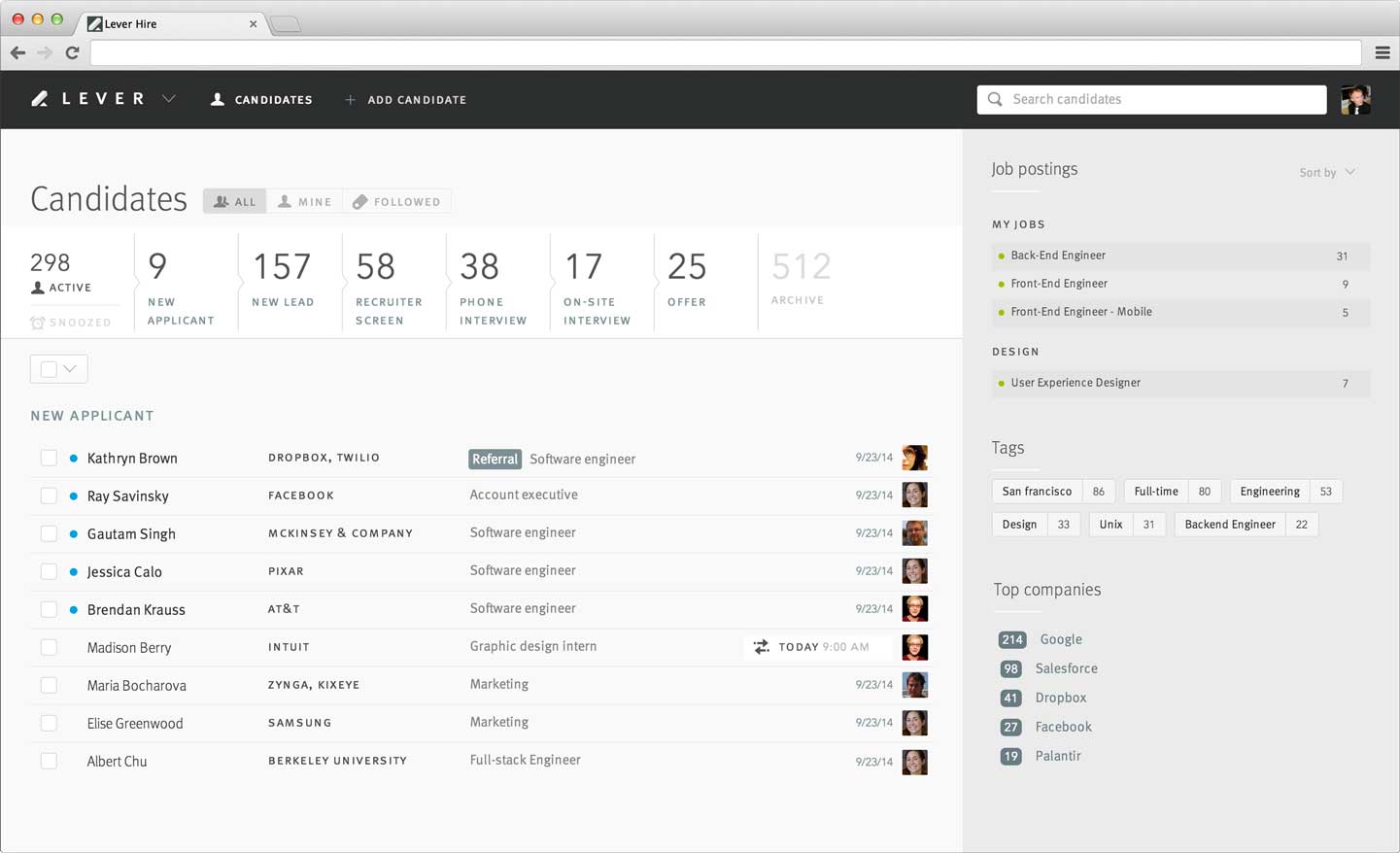
Lever merges ATS and CRM functionality, which means you can manage both active applicants and passive talent pipelines in the same system. If you find yourself losing good candidates between hiring cycles (I did, constantly), Lever solves that by giving you somewhere to put them.
iCIMS
Best for enterprise high-volume hiring.
If you’re processing thousands of applicants per week, need deep integrations with Workday and SAP SuccessFactors, and have a legal team that requires compliance infrastructure, iCIMS is built for that context. Everyone else will find it heavier than they need.
AI sourcing tools (the biggest shift I’ve seen in recruiting)
The old model I started my career with was entirely reactive: post a job, wait for applications, screen what comes in. That worked when applicant pools were smaller and resumes meant something. AI sourcing tools flip the model by proactively identifying passive candidates whose skills match your requirements before they’ve ever applied.
SeekOut
Best for diversity sourcing.
800M+ searchable profiles with diversity filters, semantic search that goes beyond keyword matching, and compliance-friendly reporting. If your organization has diversity hiring mandates (and most enterprise teams do now), SeekOut is the strongest tool I’ve seen for actually delivering on that goal rather than just measuring it.
hireEZ
Best for passive candidate sourcing at scale.
hireEZ specializes in the hard part: finding people who aren’t actively looking. Boolean search automation, candidate engagement tracking, and market intelligence for understanding talent pools. I’d point teams running high-volume outreach campaigns across multiple channels here.
Gem
Best for full-cycle recruiting teams.
Gem has evolved from a sourcing tool into an AI-first recruiting platform that combines CRM, sourcing, analytics, and outreach sequencing. Some teams use it alongside their ATS. Others use it as their primary recruiting hub. If you want sourcing and CRM in one system without managing two databases, Gem does that well.
Fair warning: it’s positioned confusingly sometimes. I’ve seen it described as both an “ATS replacement” and an “ATS complement” depending on which page of their website you’re reading.
LinkedIn Recruiter
Best for professional and B2B roles.
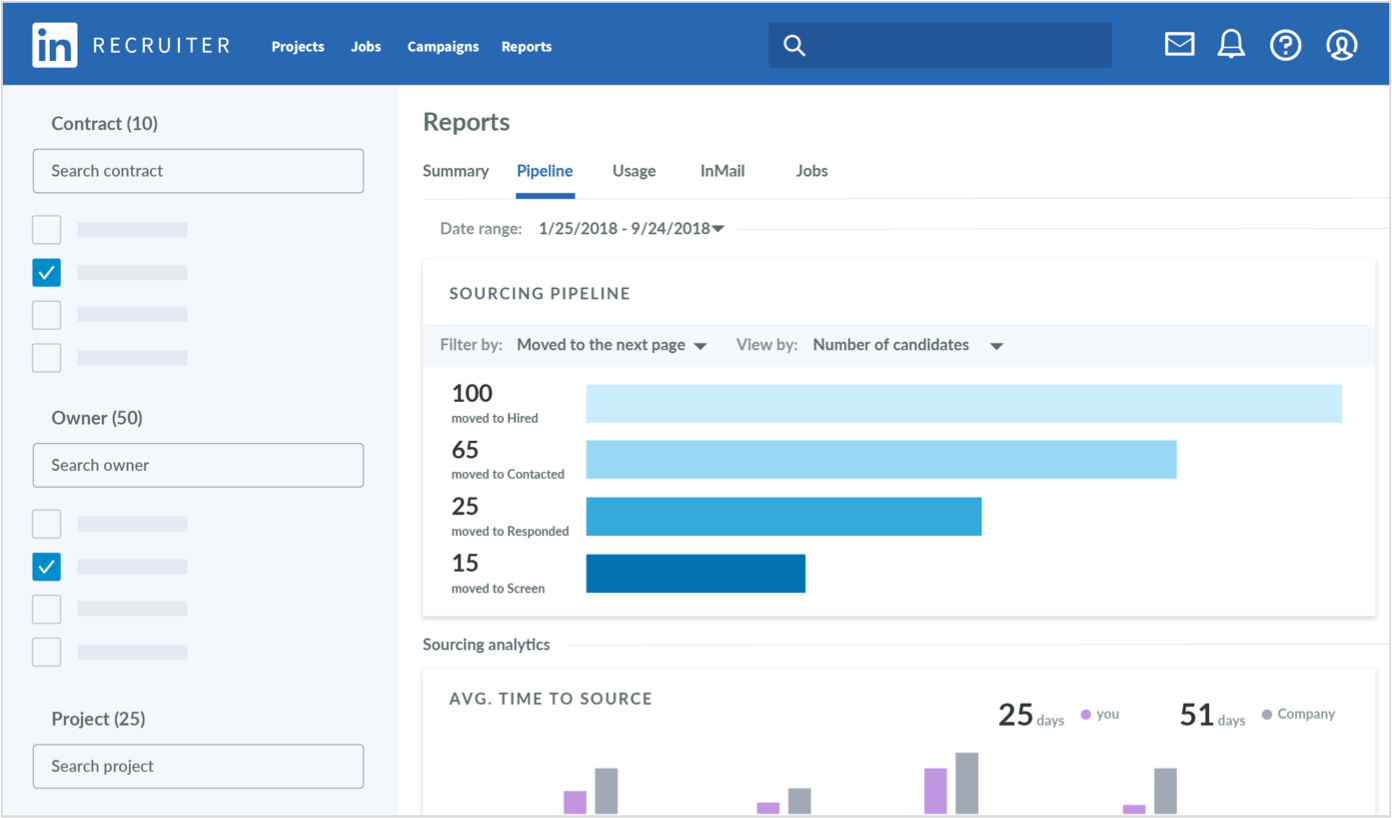
LinkedIn Recruiter still holds 35%+ share of the U.S. online recruitment market. InMail, advanced search filters, and candidate insights make it the default for roles where candidates have active profiles (which, for white-collar roles, is most of them). You probably already have a LinkedIn Recruiter license. The question is whether you’re using it well.
What I’m watching next
One thing I’m keeping a close eye on: as of early 2026, a new category of AI sourcing agents is emerging. These go beyond search tools. They’re autonomous agents that run full sourcing sequences (identifying targets, personalizing outreach, handling initial responses) without a recruiter initiating each step. (See Juicebox as one example here.)
Candidate screening tools (where I’ve seen the biggest personal gain)
Screening is both the most time-intensive and the most consequential part of the hiring funnel, because the decisions you make here determine the quality of every interview that follows. Three types of applicant screening tools exist, and they solve different parts of the problem.
Truffle
Best for lean recruiting that need multi-signal screening.
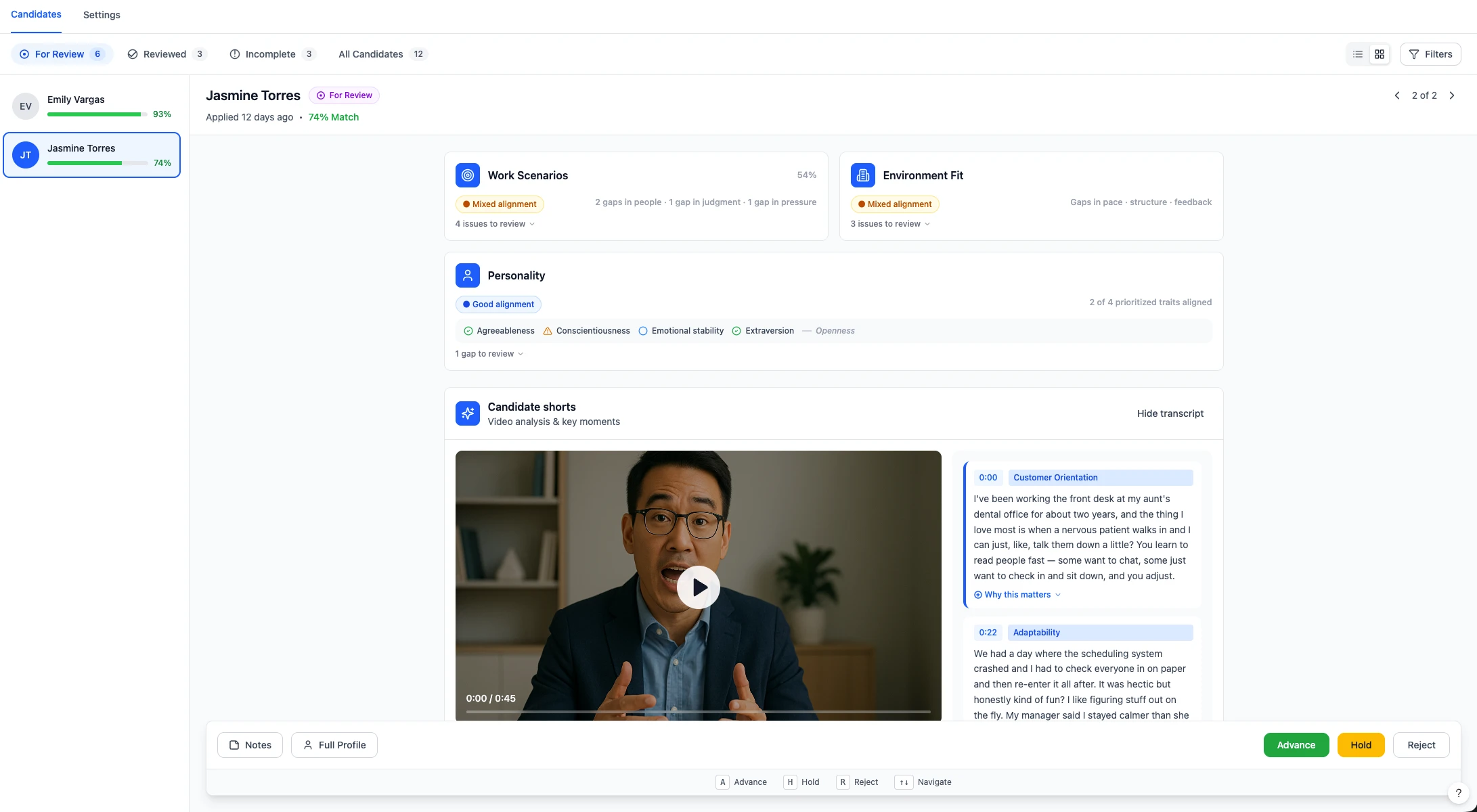
Truffle is an AI screening platform that combines one-way video interviews, talent assessments (Big Five personality, Situational Judgment, and Environment Fit), and resume screening with AI match scoring in a single platform. So you’re getting three layers of evidence where most tools give you one. What I like most: each candidate gets an explainable match score that shows exactly why they scored the way they did, and you can override it if you disagree.
Your team makes the call. The AI compresses the time it takes to make an informed one.
Credit-based pricing from $49/month. No per-seat upcharges. And you can design the screening process yourself: resumes, interviews, assessments, or any combination.
If screening volume is your biggest bottleneck, Truffle’s 7-day free trial lets you run your first AI-powered video screening in under an hour. No credit card required.
TestGorilla
Best for technical screening and skills-first hiring.
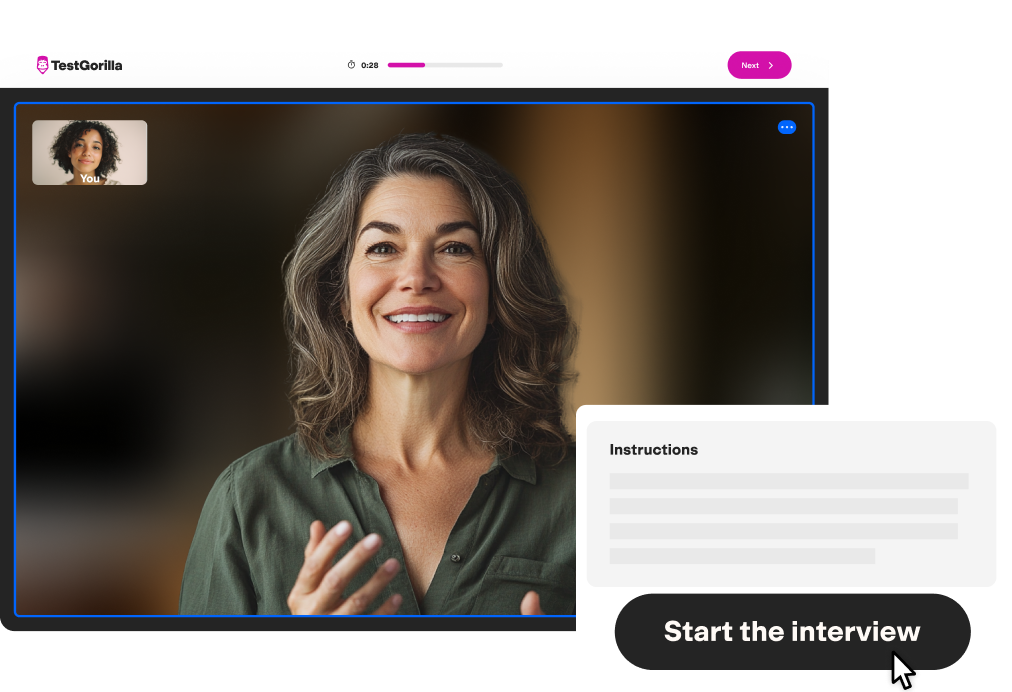
For roles where what someone can do matters more than what their resume says they’ve done. TestGorilla offers 400+ skills tests covering cognitive ability, programming, language, and role-specific knowledge. Free tier available (5 tests, 5 candidates/month). I’ve found it strongest for technical hiring where resume credentials are weak predictors of performance.
For a deeper comparison of candidate assessment and screening tools, including scoring methodologies and bias considerations, see our full assessment tools guide.
HireVue
Best for enterprise-scale AI assessment.
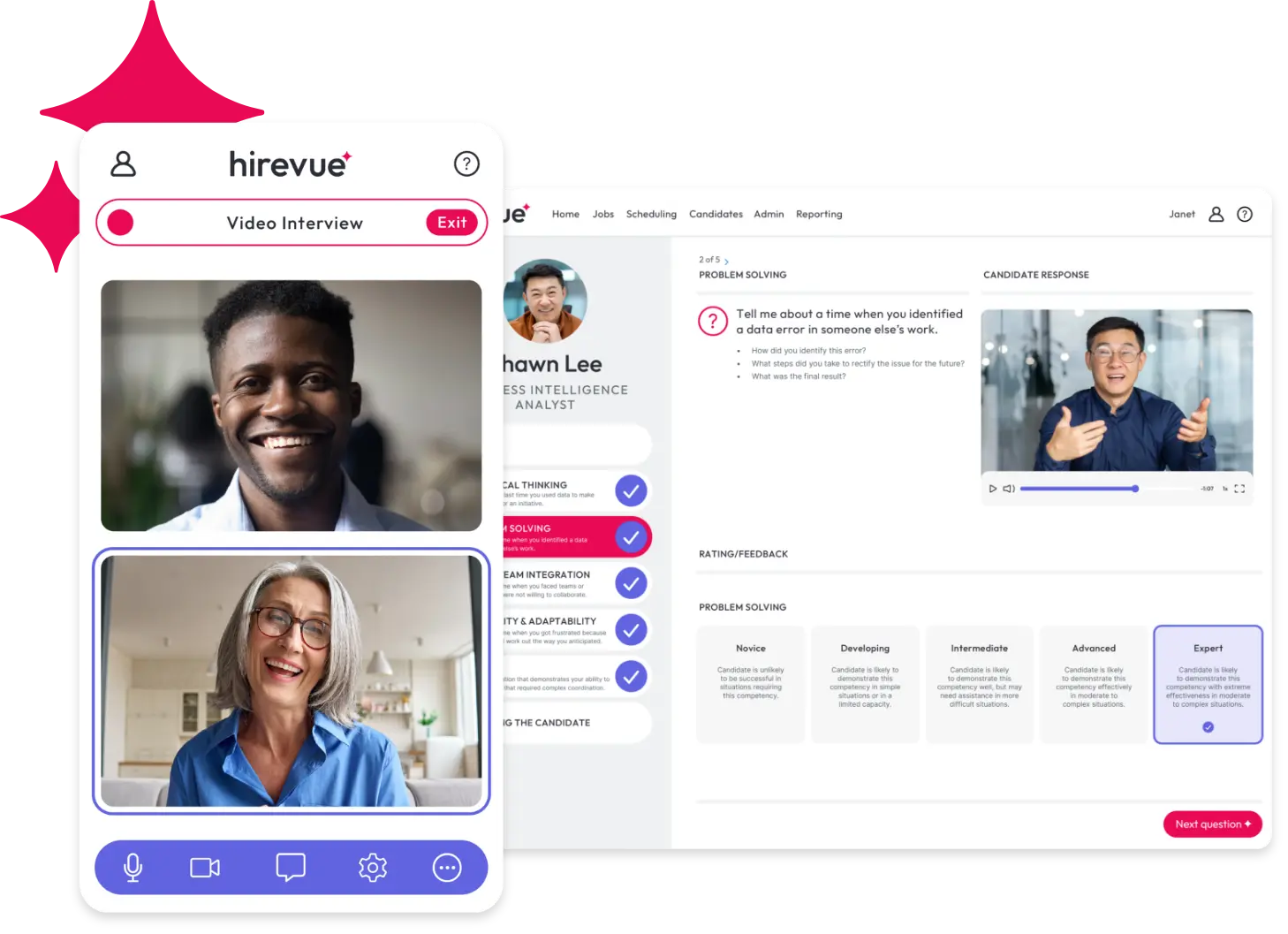
HireVue adds psychometric assessment and IO psychologist-validated scoring on top of video interviewing. Game-based assessments, their Virtual Job Tryout methodology, and deep integrations with Workday and SAP.
The trade-off is price. Estimated $35,000-$75,000/year puts it out of reach for most SMBs. If you have a 50-person TA team, it’s purpose-built. If you have 3 recruiters, you’ll feel the overhead.
Interview scheduling tools (the fix for my worst Tuesday)
I used to think scheduling was just part of the job. Then I actually timed it. Coordinating a single interview takes 30 minutes to 2 hours when you’re playing intermediary between a candidate and a three-person panel.
Calendly
Best for small teams that just need to stop playing email tag.
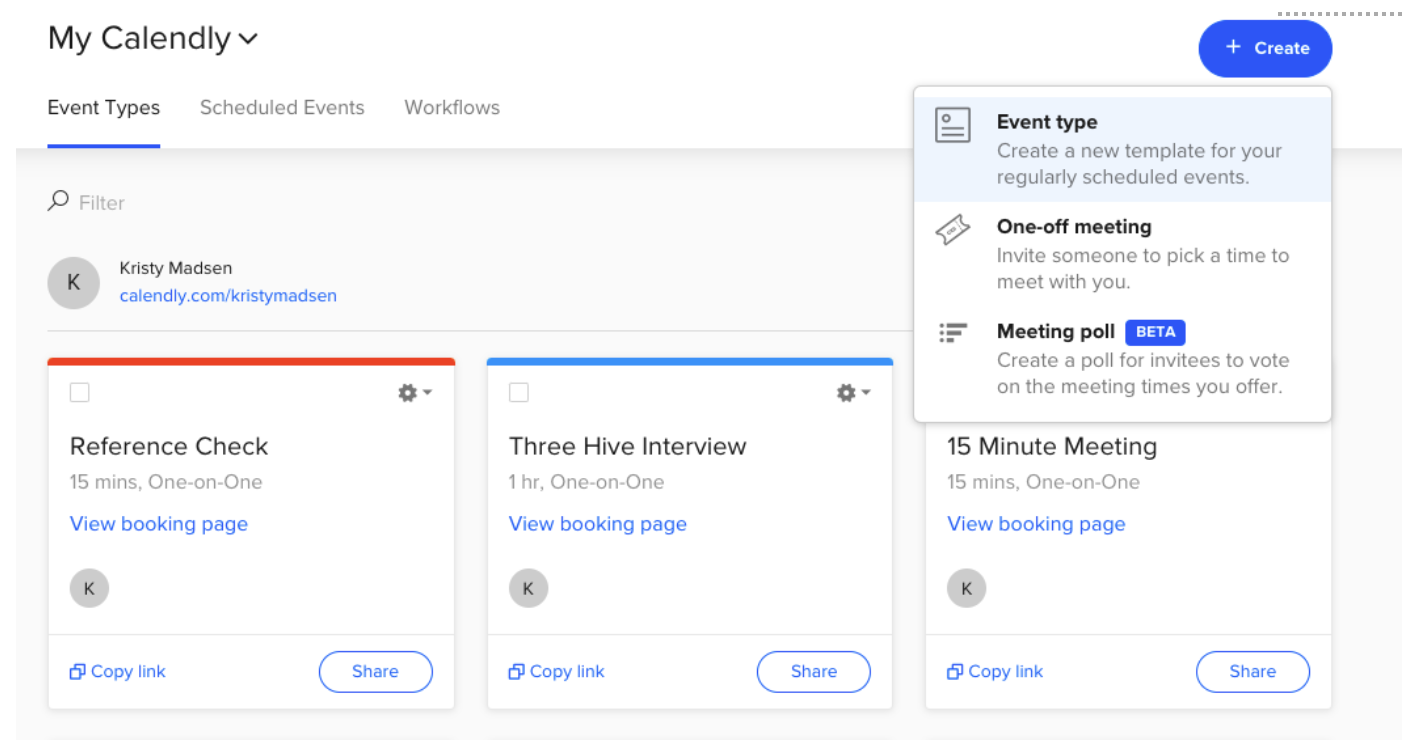
Calendly is the tool I recommend most often because it solves the most common problem with the least friction. Self-scheduling links, no back-and-forth email, free tier that works for small teams, and about 5 minutes to set up. If you’re doing under 50 hires per year, this might be all you need for scheduling.
I’ve seen roughly 40% fewer scheduling-related emails per hire since adopting it. It’s not fancy, but it works.
GoodTime
Best for enterprise panel scheduling.
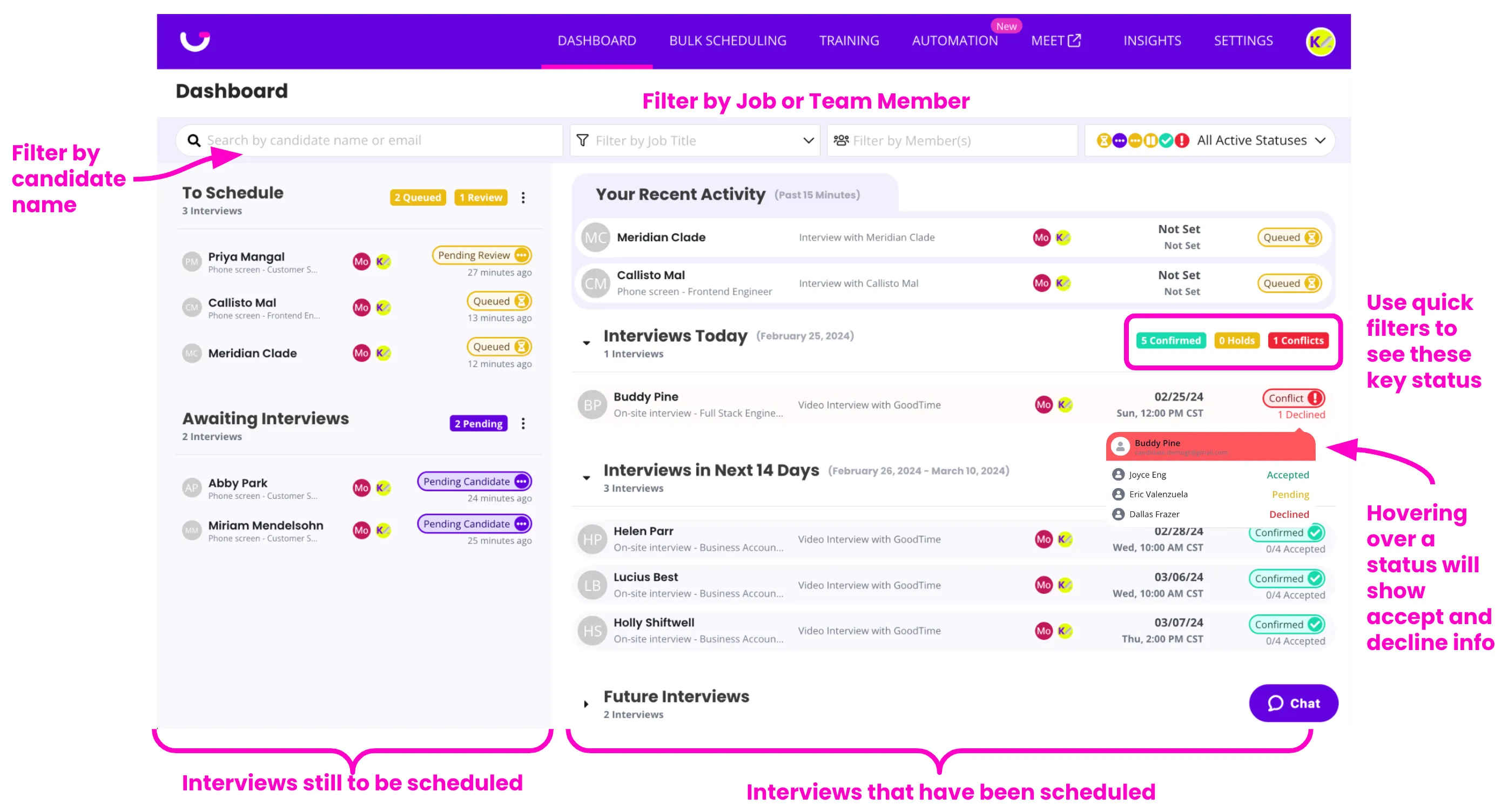
GoodTime is what you graduate to when your scheduling problem involves coordinating 3-5 interviewers across time zones, not just one recruiter and one candidate. AI-powered interviewer selection, multi-stage interview day coordination, and deep integrations with Greenhouse, Lever, and Workday.
Paradox (Olivia)
Best for high-volume hourly hiring.
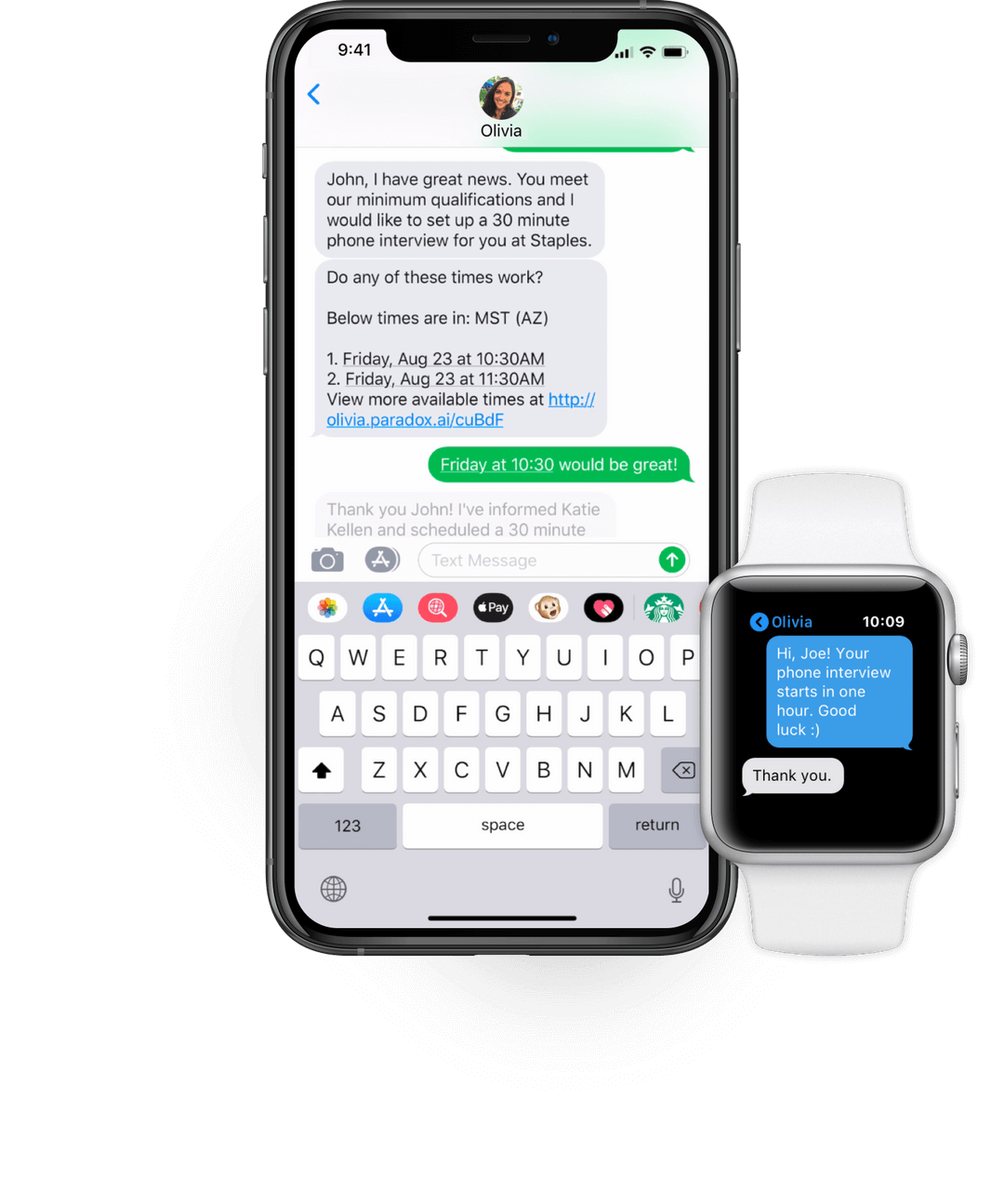
Candidates schedule via text or chat. This is the strongest option for retail, logistics, and hospitality hiring where candidates are more likely to text than log into a portal. If you’re filling 200+ hourly roles per month, the conversational AI approach removes friction that traditional scheduling tools still have.
How to actually measure whether this stuff is working
I’ll be honest: for the first year I used productivity tools, I couldn’t tell you whether they were helping. I felt faster. My calendar was less chaotic. But I had no numbers to back it up.
According to Aptitude Research, only about 20% of organizations track quality of hire in a data-driven way. I was in the other 80%, and I suspect you might be too.
Here’s the framework I eventually built.
5 recruiter productivity KPIs I actually track now
- Time-to-hire. Days from job posting to offer acceptance. Industry average: 44 days. With automation across sourcing, screening, and scheduling, I’ve seen teams bring this to 28-33 days (25-36% improvement).
- Cost-per-hire. Total recruiting spend divided by hires made. U.S. average: $4,700 per hire (SHRM, 2023). Entry-level roles: $2,000-$3,000. Technical roles: $6,000-$10,000+. Executive roles: roughly $28,000. If your tools are working, this number should decline or stabilize as hiring volume grows.
- Sourcing channel conversion rate. What percentage of candidates from each channel advance past screening? This is the metric I wish I’d started tracking years ago. It tells you where to concentrate spend and effort.
- Offer acceptance rate. Healthy: 85-95%. Below 80%? Your process is leaking, likely due to slow scheduling, poor communication, or candidates receiving competing offers during your delays.
- Recruiter capacity. How many open reqs can one recruiter manage effectively? Without automation: 15-20. With AI-powered sourcing, screening, and scheduling tools: 40-60+. This is the metric that converts tool ROI into headcount savings.
Recruiter productivity tools that actually get used
My top tip for tool testing: if something on this list doesn’t click after a week, cancel. Don’t let sunk cost keep you paying for a tool that sits unused in a browser tab. The last thing you want is for your productivity stack to become its own productivity problem.
I also want to be upfront: I’ll keep testing new tools. (It’s a problem, I know.) This list will probably look different in six months. New categories are emerging fast, especially around AI agents that handle multi-step recruiting tasks autonomously. SHRM’s 2025 data shows 43% of organizations now use AI in HR tasks, up from 26% in 2024. The landscape is moving.
But the core advice stays the same. Start with your biggest bottleneck. Don’t buy the flashiest tool. Buy the one that fixes the thing that makes you want to close your laptop at 3pm on a Tuesday.
If that bottleneck is candidate screening, Truffle’s 7-day free trial lets you test multi-signal screening (video, assessments, AI scoring) on a real req. No enterprise contract, no implementation team. If it’s scheduling, grab Calendly’s free tier. If it’s sourcing, hireEZ has a trial too.
The point is to start somewhere, measure for 90 days, and build from there. Your future self (the one who isn’t spending entire Tuesdays on scheduling) will thank you.
Did I miss a tool you swear by? There are so many I’d have liked to include here, but this article is already long enough. If you have a recommendation, I’d genuinely love to hear it. And if you want to see the full spreadsheet of 50+ tools I tested (with my honest notes), reach out. I’m happy to share.
FAQs about recruiter productivity tools
What is the difference between a recruiter productivity tool and a full ATS?
An ATS is one specific type of recruiter productivity tool. It manages candidate workflow (job postings, applications, interview tracking, offers). “Recruiter productivity tools” is a broader category that includes sourcing platforms, screening tools, scheduling automation, CRM, analytics, and communication tools. Most recruiting stacks include an ATS as the foundation with 2-4 additional point solutions layered on top.
Do I need a recruiting CRM if I already have an ATS?
If you only hire reactively (post a role, wait for applicants), an ATS alone may be sufficient. If you source proactively, want to re-engage past candidates, or maintain talent pools between hiring cycles, a CRM adds meaningful value. Lever merges both into one platform. Gem provides CRM alongside sourcing and analytics. The choice depends on whether passive candidate management is part of your process.
Which recruiter productivity tools are best for small in-house teams?
For teams with 1-5 recruiters managing under 50 hires per month, prioritize fast setup, flat-rate pricing, and tools that work without a dedicated HRIS admin. A solid ATS (Workable or BambooHR for simplicity, Greenhouse or Ashby for structure), a screening platform like Truffle (from $49/month, credit-based, combines video interviews, assessments, and resume screening), and Calendly for scheduling will cover 80% of your process at a manageable cost.
How do recruiter productivity tools reduce time-to-hire?
They compress each stage. AI sourcing reaches candidates in hours vs. weeks of manual search. Screening automation evaluates candidates in minutes vs. the 9 hours per week I used to spend on manual resume review. Scheduling tools reduce time-to-first-interview from 2-3 weeks to under 1 day. The cumulative effect: average time-to-hire drops from 44 days to 28-33 days.
How do I measure ROI from recruiter productivity tools?
Establish baseline KPIs before implementation (time-to-hire, cost-per-hire, recruiter hours per hire, funnel conversion rates). Track the same metrics for 90 days post-implementation. Calculate hours saved per hire multiplied by recruiter hourly cost, plus cost-per-hire improvement. Organizations investing $50,000 annually in AI recruiting tools report average returns of $120,000 in savings and productivity gains (140% ROI).
What features should I look for in recruiter productivity tools for distributed teams?
Async capabilities are essential: video screening tools where candidates record on their own schedule, self-scheduling with automatic time zone conversion, cloud-based ATS access, and collaborative evaluation features that don’t require everyone to be online simultaneously. AI-generated interview summaries and transcriptions also help distributed teams stay aligned when not every stakeholder can attend every interview live.
How do I avoid tool sprawl when building a recruiting tech stack?
Audit your current stack against the six stages (sourcing, screening, scheduling, outreach, evaluation, analytics) before adding anything new. If you have multiple tools covering the same stage, consolidate. If tools don’t share data automatically, the integration tax is eroding your productivity gains. Start with one tool per bottleneck stage, measure impact for 90 days, and only add the next tool once the first one is embedded in your process.
Are AI recruiting tools better than traditional software for recruiter productivity?
For repetitive, high-volume tasks (resume screening, initial sourcing, scheduling coordination), AI screening tools outperform traditional software on speed and throughput. For judgment-intensive tasks (final candidate evaluation, offer negotiation, hiring manager alignment), traditional tools and human expertise still dominate. The strongest stacks combine both: AI handles the volume, humans handle the decisions.